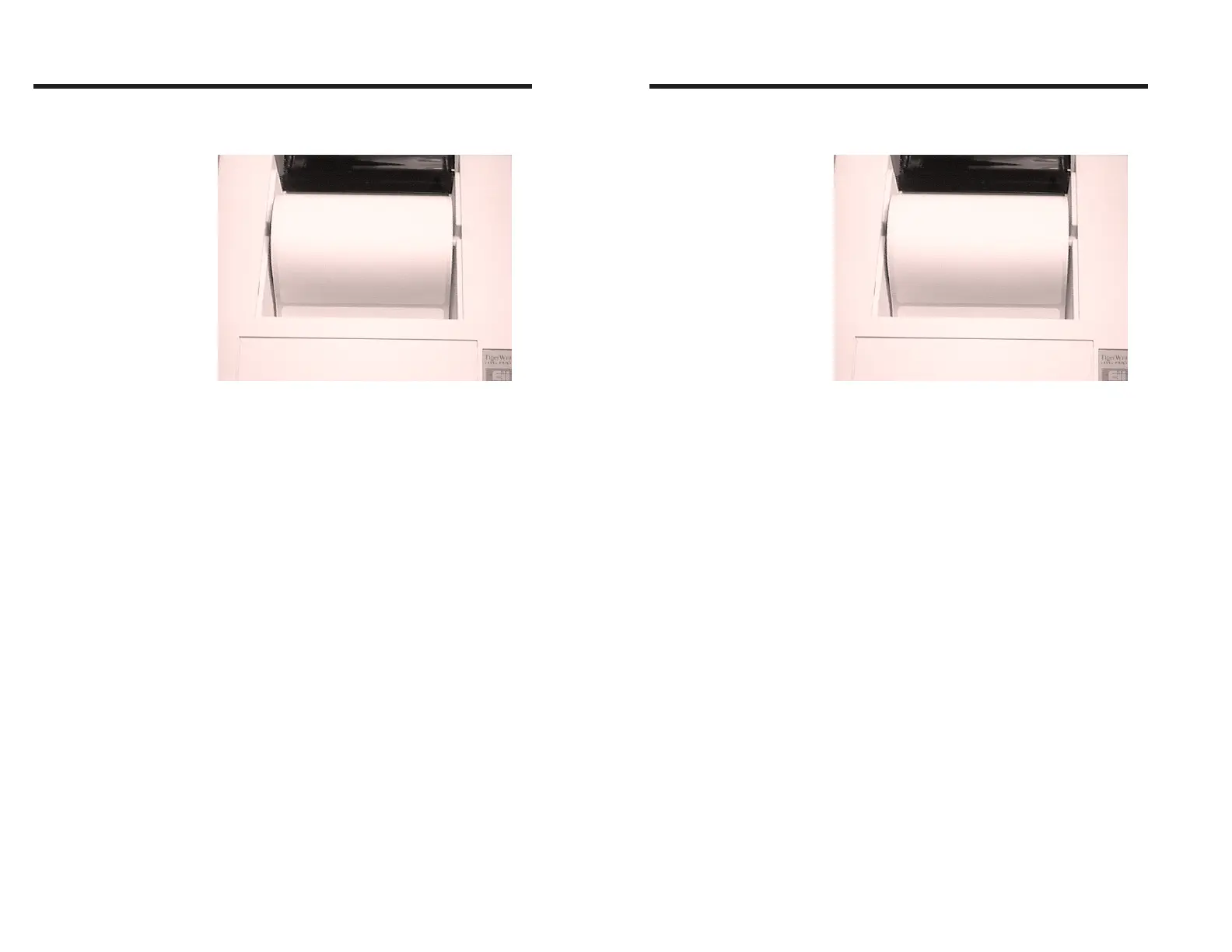
Step ➏ Rewind the excess paper onto the roll while
placing the spindle into the holder slots.
Step ➐ Tap the FEED control 3 times or until the
POWER indicator glows Green. If you were in
the middle of printing labels, the printer will
automatically resume printing.
Figure 2-8
Place Roll In Slots
Operation
14 980090-001 Rev.B
Step ➏ Rewind the excess paper onto the roll while
placing the spindle into the holder slots.
Step ➐ Tap the FEED control 3 times or until the
POWER indicator glows Green. If you were in
the middle of printing labels, the printer will
automatically resume printing.
Figure 2-8
Place Roll In Slots
Operation
14 980090-001 Rev.B



 To Next Page