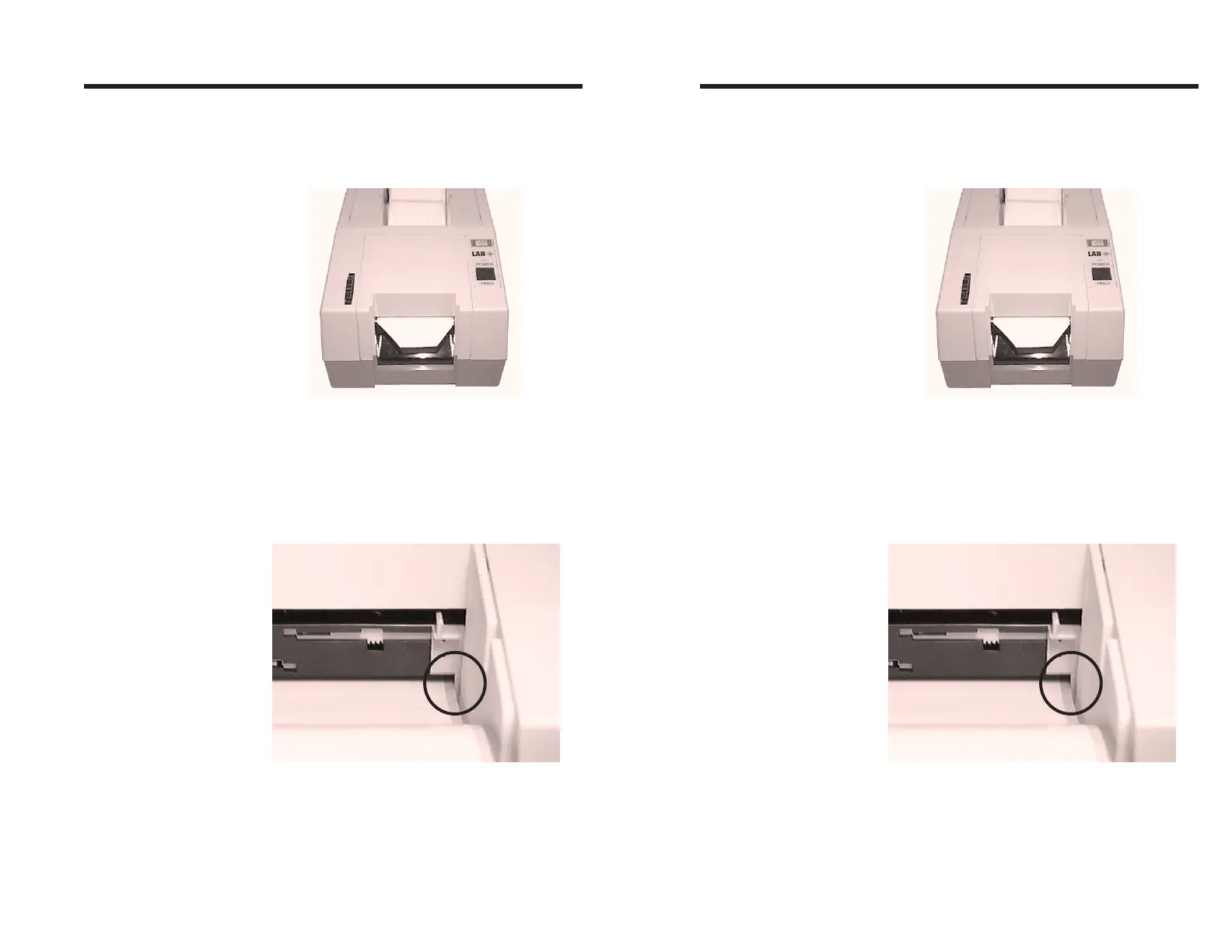
Step ➍ While continuing to gently push the labels into
the feed slot, press the FEED control to ad-
vance labels until the end is visible at the front
of the printer.
Step ➎ Press the tension release towards the rear of the
printer and center the labels in the slot. Adjust
the guide tabs so they just touch the edges of
the liner.
Figure 2-6
Press FEED Control
Figure 2-7
Center The Labels
Operation
980090-001 Rev.B 13
Step ➍ While continuing to gently push the labels into
the feed slot, press the FEED control to ad-
vance labels until the end is visible at the front
of the printer.
Step ➎ Press the tension release towards the rear of the
printer and center the labels in the slot. Adjust
the guide tabs so they just touch the edges of
the liner.
Figure 2-6
Press FEED Control
Figure 2-7
Center The Labels
Operation
980090-001 Rev.B 13



 To Next Page