65
This is particularly important if more than one valve op-
erating mechanism is used or if different devices (i.e.
not a set consisting of heating control and valve operat-
ing mechanism) were purchased.
Proceedasfollowstochangeorsetthecode:
•Pressthe“PROG”keyuntil“Sond”isdisplayed.
• Use the selection wheel to select the special function
“CodE”.
•Toconrmyourselection,brieypressthe“PROG”key.
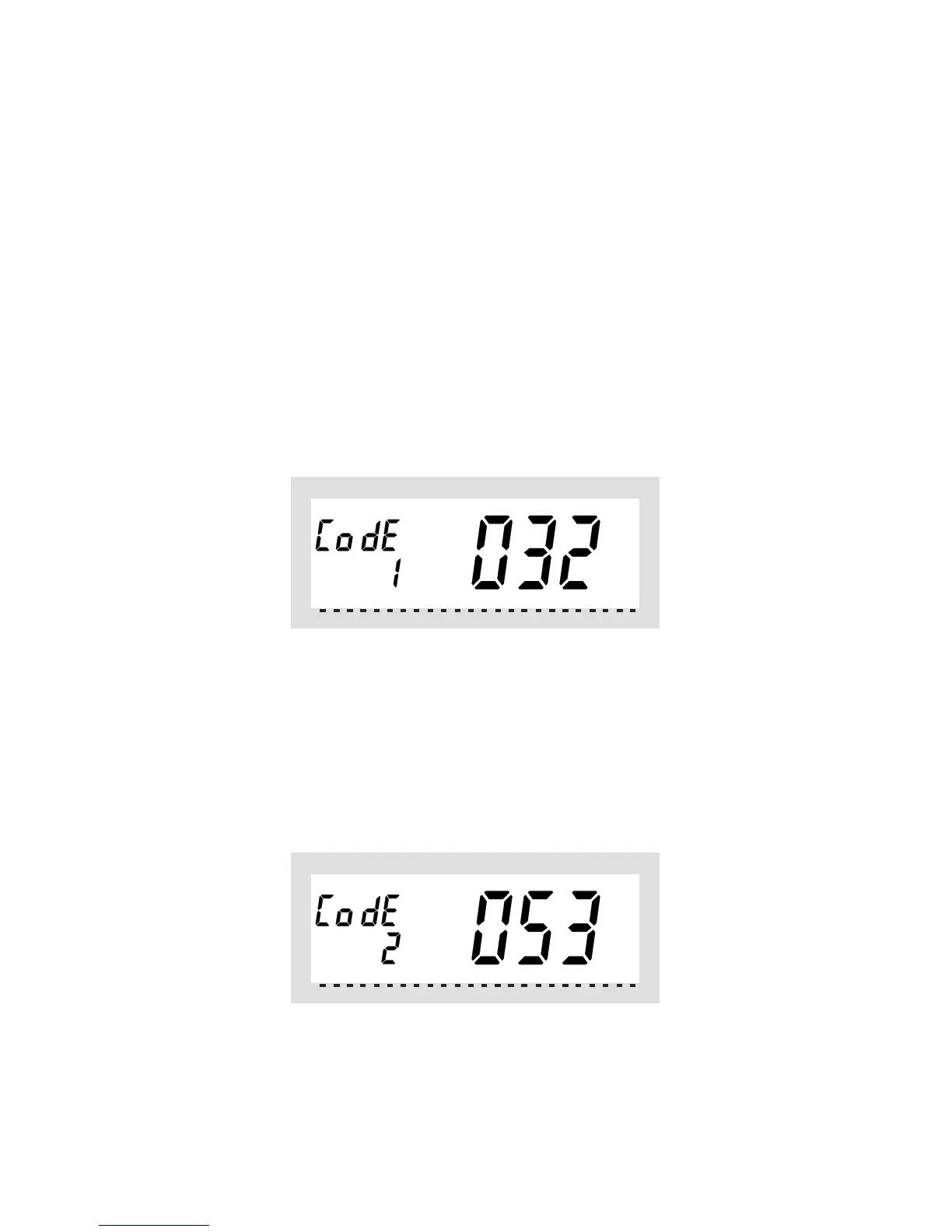
Thefollowingdataaredisplayed:
•Usetheselectionwheeltoselecttherstpartofthecode
(a number between “000” and “099”) and confirm this se-
lection by briefly pressing the “PROG” key.
•Thefollowingdataaredisplayed:
•Usetheselectionwheeltoselectthesecondpartofthe
code (a number between “000” and “099”) and confirm
this selection by briefly pressing the “PROG” key.



 To Next Page