Installation
Page 28
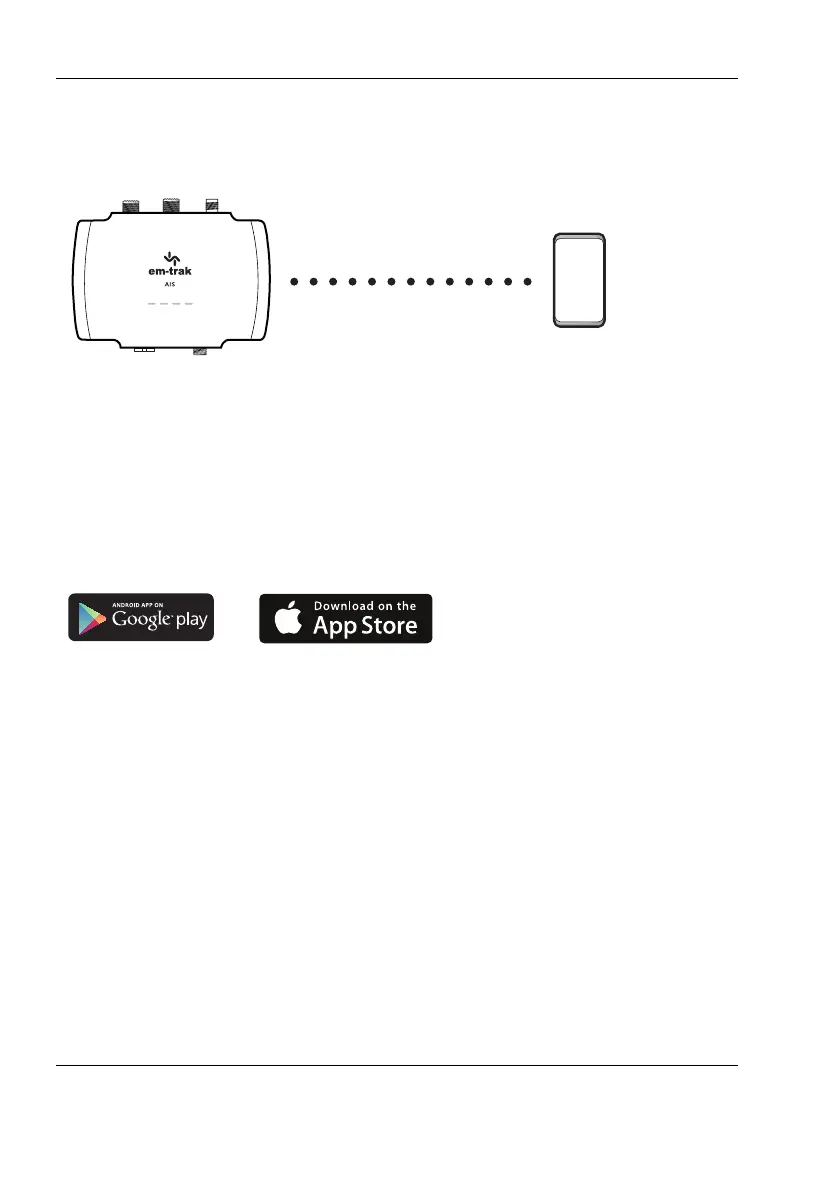
Method 3: Configuration using your smartphone
Figure 14 Configuration using your smartphone
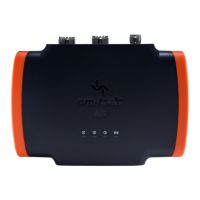
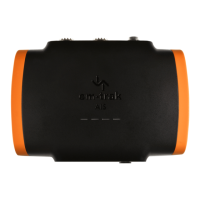
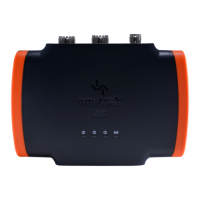
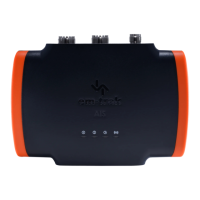
WiFi & Bluetooth enabled variants of the transceiver (B922/B924/B952/B954)
can be configured using the CONNECT-AIS app.
CONNECT-AIS is available for download from the App Store and Google
Play.
Once CONNECT-AIS is installed on your smartphone you will need to carry
out the following to configure your transceiver:
1. Ensure the transceiver is installed correctly and is powered up by 12 -
24V.
2. Start CONNECT-AIS. You will see a welcome screen.
3. Select “Lets Begin” and the “Setting up your AIS” screen will appear
4. If you have all your correct vessel information available select “I’m ready”
You will then see the “Connect to your devices” screen which will show all
the available WiFi devices within range.


 To Next Page