Installation
Page 33
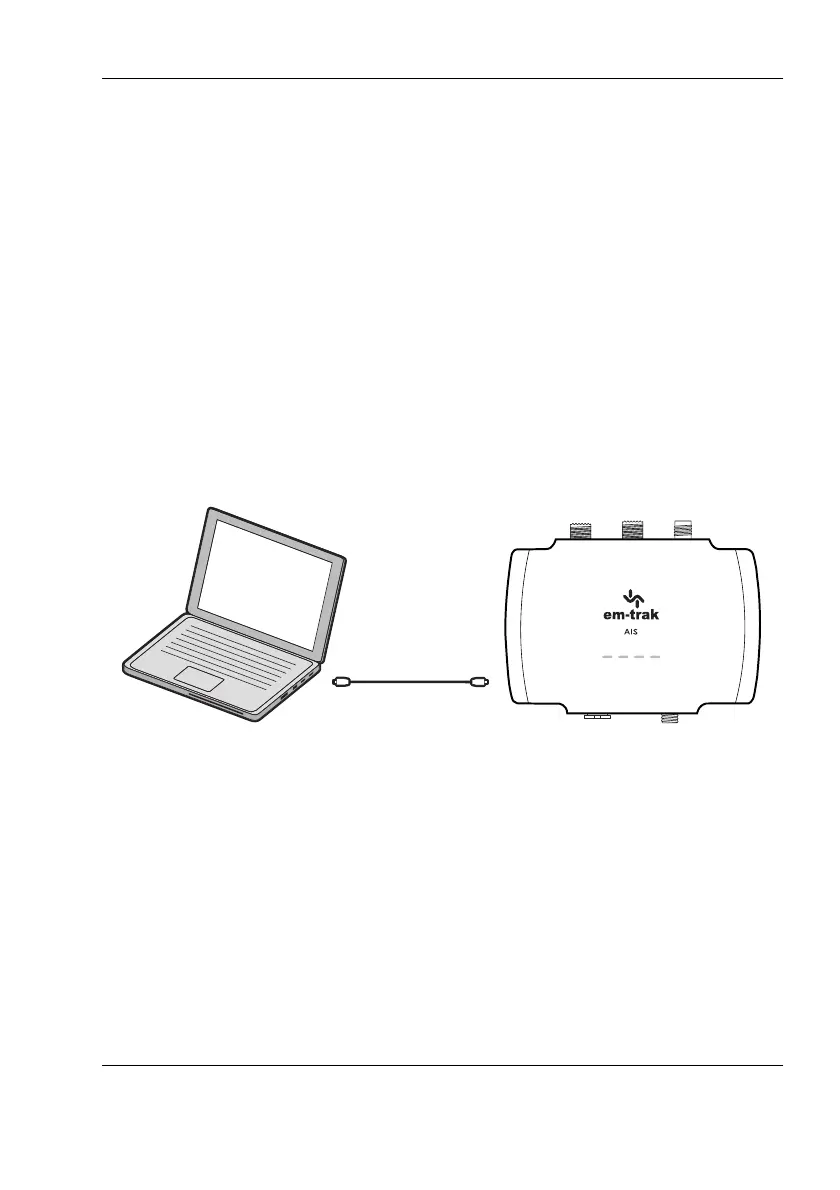
3.6.4 Connecting to your PC
A micro USB cable will be required to connect the transceiver to a PC or
laptop. This item is not supplied but is widely available for purchase.
USB drivers will need to be installed for Windows operating systems
(Windows 7 and up). These are installed automatically by using either
Windows Update or when installing proAIS2. proAIS2 is available for
download from www.em-trak.com/installation
USB drivers are typically not required for MacOS X operating systems.
Once your transceiver is communicating with your PC or laptop you can view
the received AIS data using a compatible navigation application.
Figure 18 Connecting to your PC
3.6.5 WiFi & Bluetooth connectivity
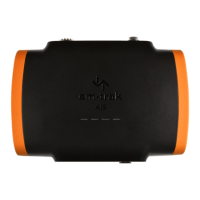
WiFi & Bluetooth enabled variants (B922/B924/B952/B954) can be
connected wirelessly to any mobile device. To establish a connection you will
need to select your transceiver from a list of detected devices. The device
name is known as the SSID - this is displayed in the WiFi tab of proAIS2 and
can be changed if required.


 To Next Page