27
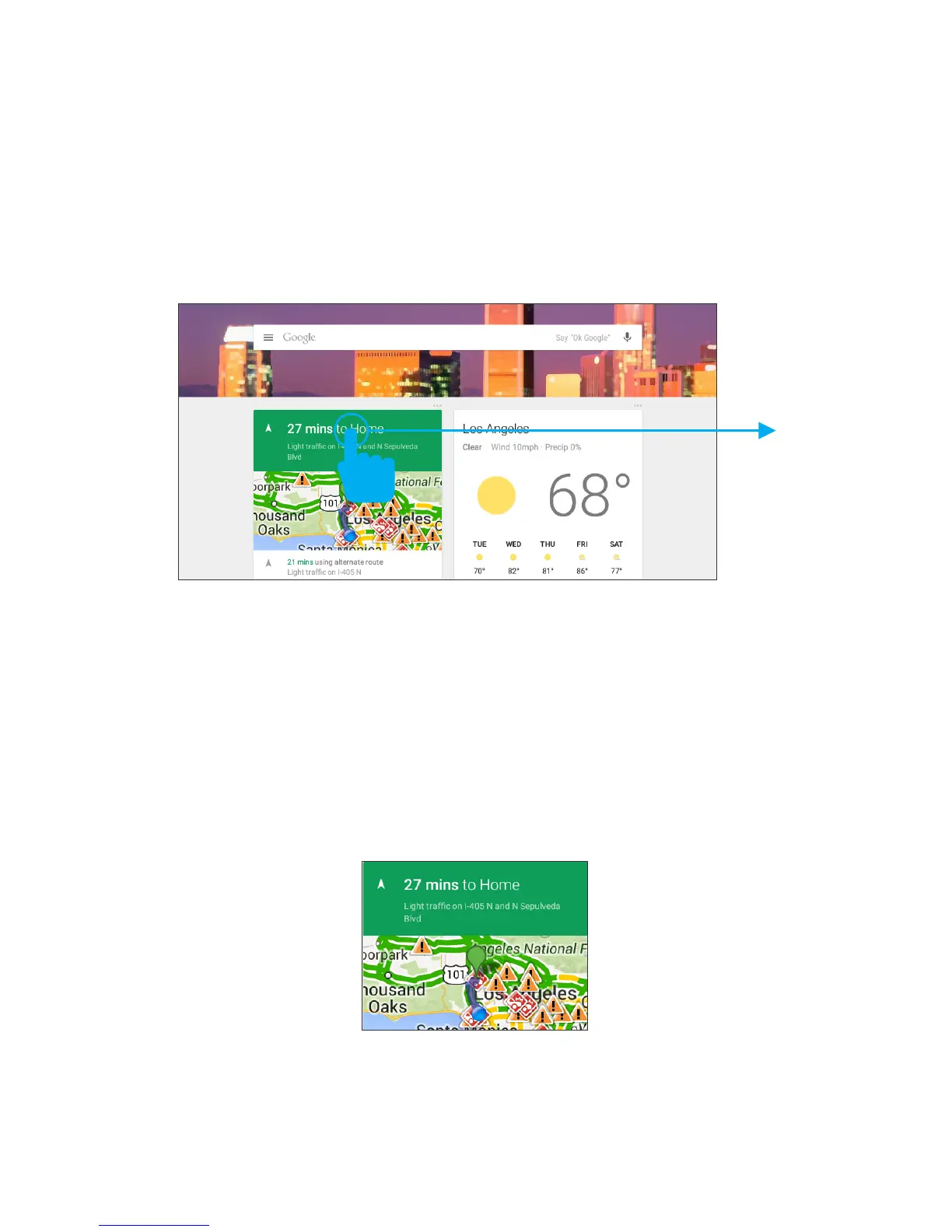
To dismiss a card from the Google Now screen, swipe
it away. The card will return the next time it’s relevant,
which may be hours or days from now.
You can turn Google Now cards on or off at any time.
To do so from the main Google Now screen go to
Menu<Settings<GoogleNowandchooseaspecic
card. You can then check or uncheck when you would
like that card to appear.
Find out what the weather is like or how the commute
toworkwillbebyconrmingyourhomeandwork
locations.
Location Access
In order to get to your Google Now settings from the
Google Now Main Screen, touch the Menu icon at the
bottom right of the screen. Then touch Settings. 4
types of settings will be available.
Google Now Settings
Findoutwhattheweatherislike,howmuchtrafcto
expect before you leave for work, or how your favor-
ite sports team is doing.



 To Next Page