30
Water Meter Setup.
Use this function to setup the water meter information.
By entering the amount of pulses produced by the water meter the pump will optimize
the working mode when programmed to work in ppm and update the stats menu.
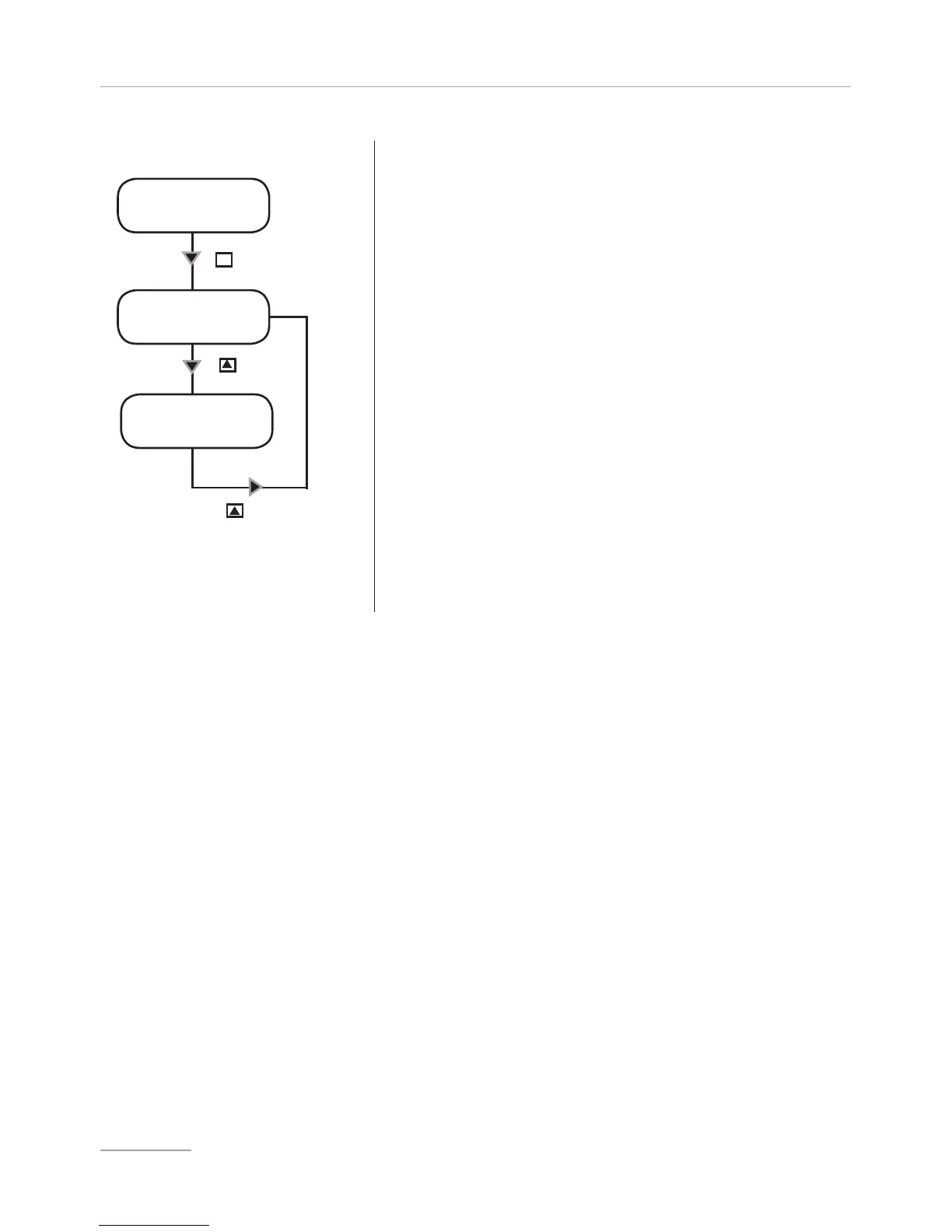
- Use “UP” key to choose from “Pulse/L” (pulse/liter) or
“L/Pulse” (liter/pulse).
Choose “Pulse/L” for a water meter that produces
many pulses.
Choose “L/Pulse” for a water meter that produces
few pulses.
Setting “000.0”, the pump does not accept the signal
and it is not possible to save the data.
- Use “UP” key to increase the blinking “_” digit. Enter
number of pulses that pump must receive to stop or
not the pump.
-Press “RIGHT” key for next digit / field.
-Press “E” key to save data and “ESC” to exit to main
menu. Otherwise press “ESC” to discard data and exit
to main menu.
SET [08]
wmeter
pulse/l
004.0
Key
l/pulse
004.0
Key
E
Key


 To Next Page