29
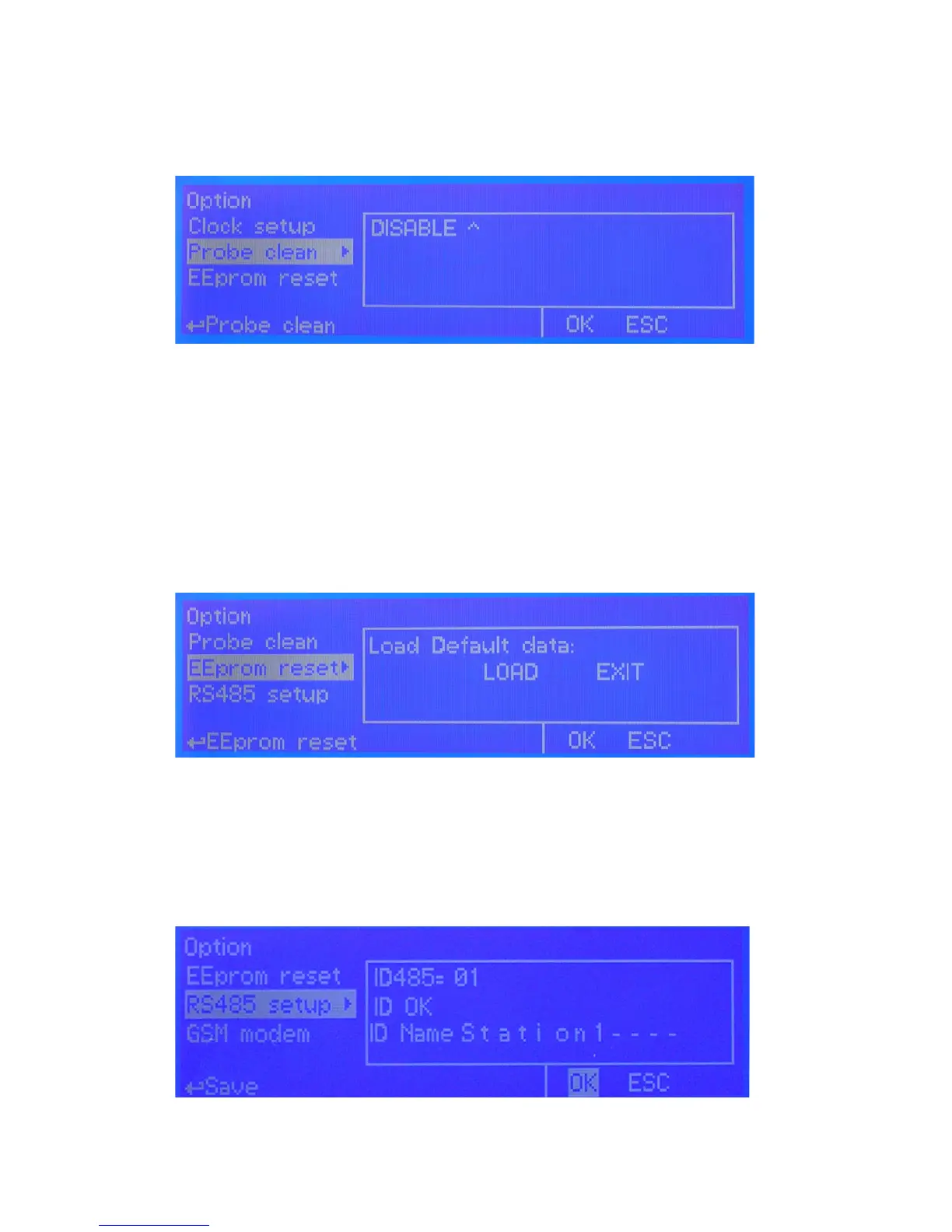
PROBE CLEAN
Once into submenu, to enable probe clean, move wheel on “DISABLE” , press it and change option to “ENABLE”.
CYCLE: time until next probe clean. HH (hours) and MM (minutes).
CYCLE T: probe cleaning duration. MM (minutes) and SS (seconds).
RESTORE T: idle time after probe clenaing procedure. MM (minutes).
CLEAN A: Set “ON” to activate clenaing procedure when a setpoint alarm occurs.
Note: during cleaning and restoring procedure all setpoint outputs are disabled.
EEPROM RESET
To restore instrument to its original settings press “LOAD” and wait until “busy” message disappears.
RS485 SETUP
Prior to install the instrument into an RS485 local system a unique ID NUMBER and ID NAME (station name) must be
congured. Rotate wheel and edit elds. If ID number has already assigned an error message will follow. In this event try
using another number.
g. 24
g. 25
g. 23


 To Next Page