EasyManua.ls Logo

Emerson Micro Motion 2500 - Page 51

Emerson Micro Motion 2500
282 pages
Print Icon
To Next Page IconTo Next Page
To Previous Page IconTo Previous Page
Loading...
Configuration and Use Manual 41
Flowmeter Startup
Required Configuration Optional ConfigurationUsing the TransmitterFlowmeter Startup
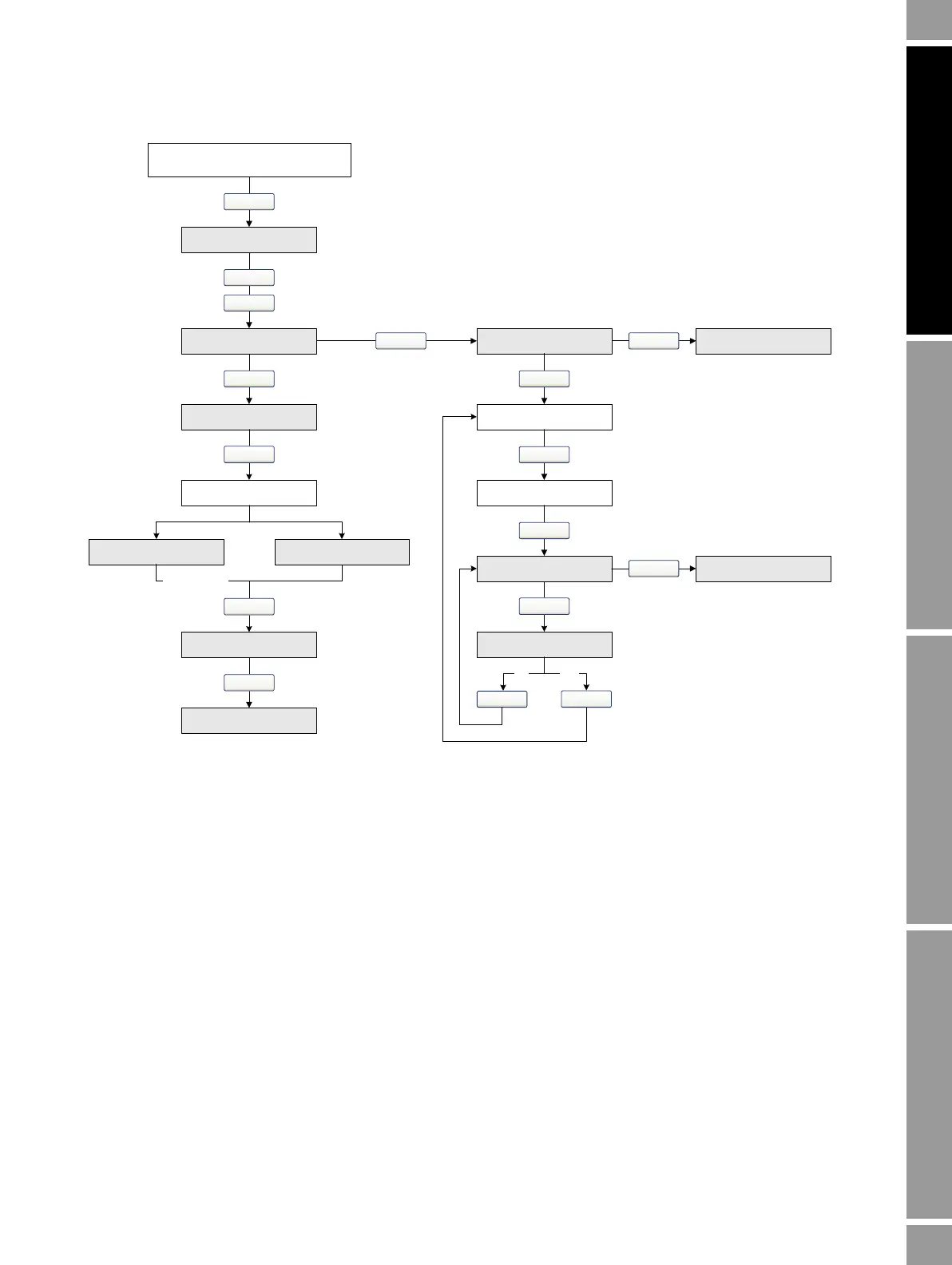
Figure 5-5 Display menu – Flowmeter zero procedure
………………….
OFF-LINE MAINT
Scroll and Select simultaneously
for 4 seconds
Scroll
Select
Select
CAL ZERO
ZERO/YES?
CAL PASSCAL FAIL
EXIT
Scroll
Scroll
Select
ZERO
Troubleshoot
Select
RESTORE ZERO
(1)
Scroll
Select
xxxx CUR Z
Scroll
yyyy FAC Z
Scroll
EXIT
RESTORE/YES?
Select
Select
Scroll
RESTORE ZERO
Scroll
YesNo
Scroll
RESTORE EXIT
(1) Available only on systems with the enhanced core processor.

Table of Contents

Other manuals for Emerson Micro Motion 2500

Related product manuals