Conguredeviceoptionsandpreferences
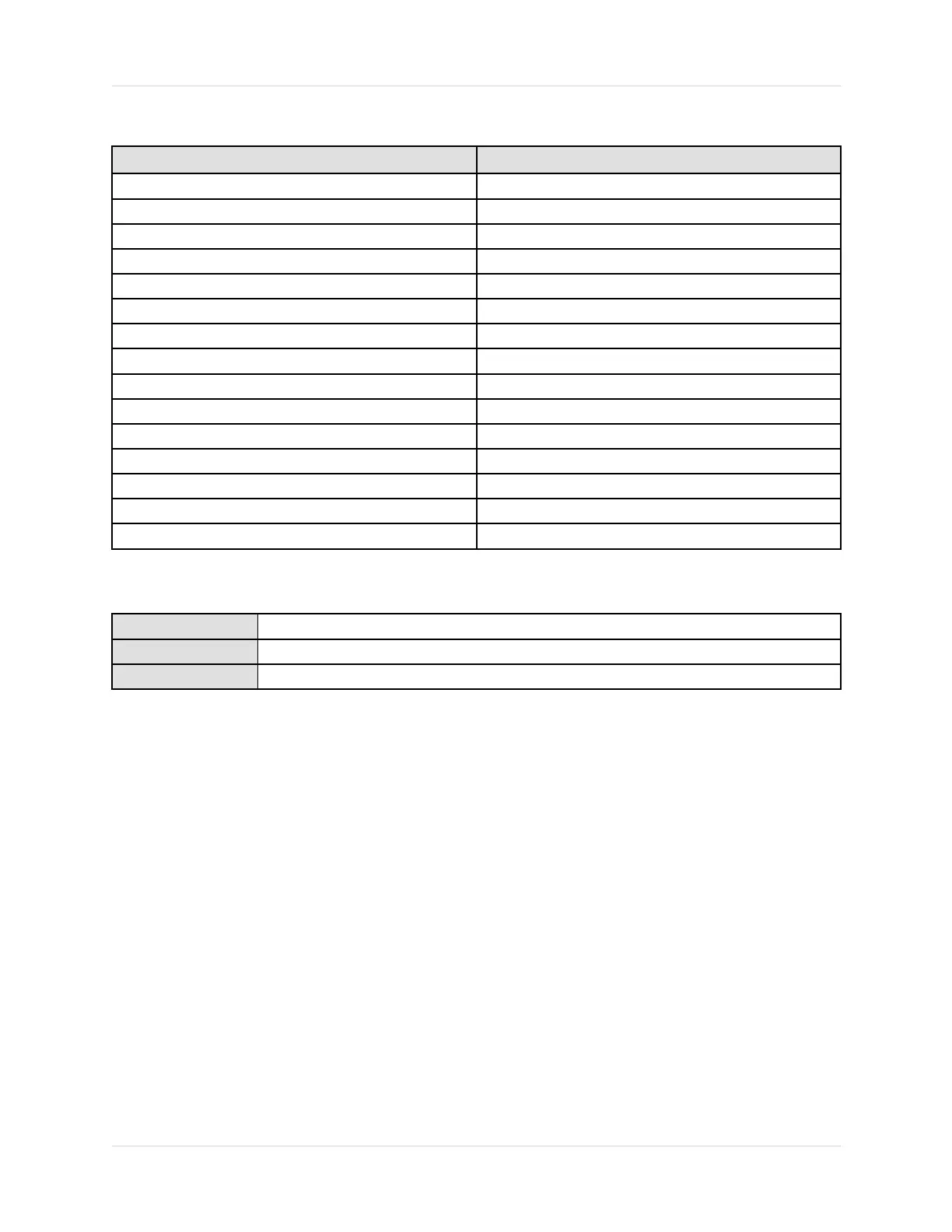
♦Example:Displayvariableconguration
DisplayvariableProcessvariableassignment
DisplayVariable1
Massow
DisplayVariable2Masstotalizer
DisplayVariable3
Volumeow
DisplayVariable4Volumetotalizer
DisplayVariable5Density
DisplayVariable6Temperature
DisplayVariable7Externalpressure
DisplayVariable8
Massow
DisplayVariable9None
DisplayVariable10None
DisplayVariable11None
DisplayVariable12None
DisplayVariable13None
DisplayVariable14None
DisplayVariable15None
1.1.1CongureDisplayVariable1fromthedisplaymenu
Display
OFF-LINEMAINT→OFF-LINECONFG→DSPLY→VAR1
ProLinkIINotavailable
Communicator
Notavailable
Ifdesired,youcancongureDisplayVariable1fromthedisplaymenubyxingittotheprocess
variableassignedtotheprimarymAoutput,whichisalsotheHARTPrimaryVariable.Ifyoudo
this,DisplayVariable1willalwaysbetheprocessvariableassignedtotheprimarymAoutput.
Thisistheonlywaytocongureadisplayvariablefromthedisplaymenus.
IfDisplayVariable1isxedtotheprimarymAoutput,theonlywaytosetDisplayVariable1to
adifferentprocessvariableistochangethemAoutputassignment.IfyoudonotxDisplay
Variable1totheprimarymAoutput,youmustuseacommunicationstoolsuchasProLinkIIorthe
CommunicatortochangeDisplayVariable1.
EvenifDisplayVariable1isxed,youcanstillsetitsprecision.Tosetitsprecision,youmust
useacommunicationstool.
Note
ThisoptionappliesonlytoDisplayVariable1.Tochangeanyotherdisplayvariable,youstill
needacommunicationstool.
2
MicroMotionModel2700TransmitterswithIntrinsicallySafeOutputs














 To Next Page