4 – 2
Section 4 • HMI Navigation
Blower Package PLC Operation Manual •Vilter/Emerson • 35391BLP
HMI Security
Some items and screens on the HMI require a login to be
viewed or changed.
Login accounts are described below, each with its de-
fault password and level of access.
DEFAULT
• This is the user account that is active when the HMI
boots up or the user logs out of another user account.
• Permissions:
• May start and stop the machine
• May change Remote-Local and Auto-Manual
modes
• May view setpoints, calibration data, and
diagnostics
OP1, OP2, OP3, OP4, OP5
• These user accounts are intended for operators.
• Default Password: 1
• Permissions
• May start and stop the machine
• May change Remote-Local and Auto-Manual
modes
• May Operate the machine in Manual mode
• May view setpoints, calibration data, and
diagnostics
• May change setpoints
SUPER
• This user account is intended for site supervisors,
managers, and superintendents.
• Default Password: 1
• Permissions
• May start and stop the machine
• May change Remote-Local and Auto-Manual
modes
• May Operate the machine in Manual mode
• May view setpoints, calibration data, and
diagnostics
• May change setpoints
• May force Discrete and Analog outputs on the PLC
• May make changes to machine confi guration
selections
LOGGING IN
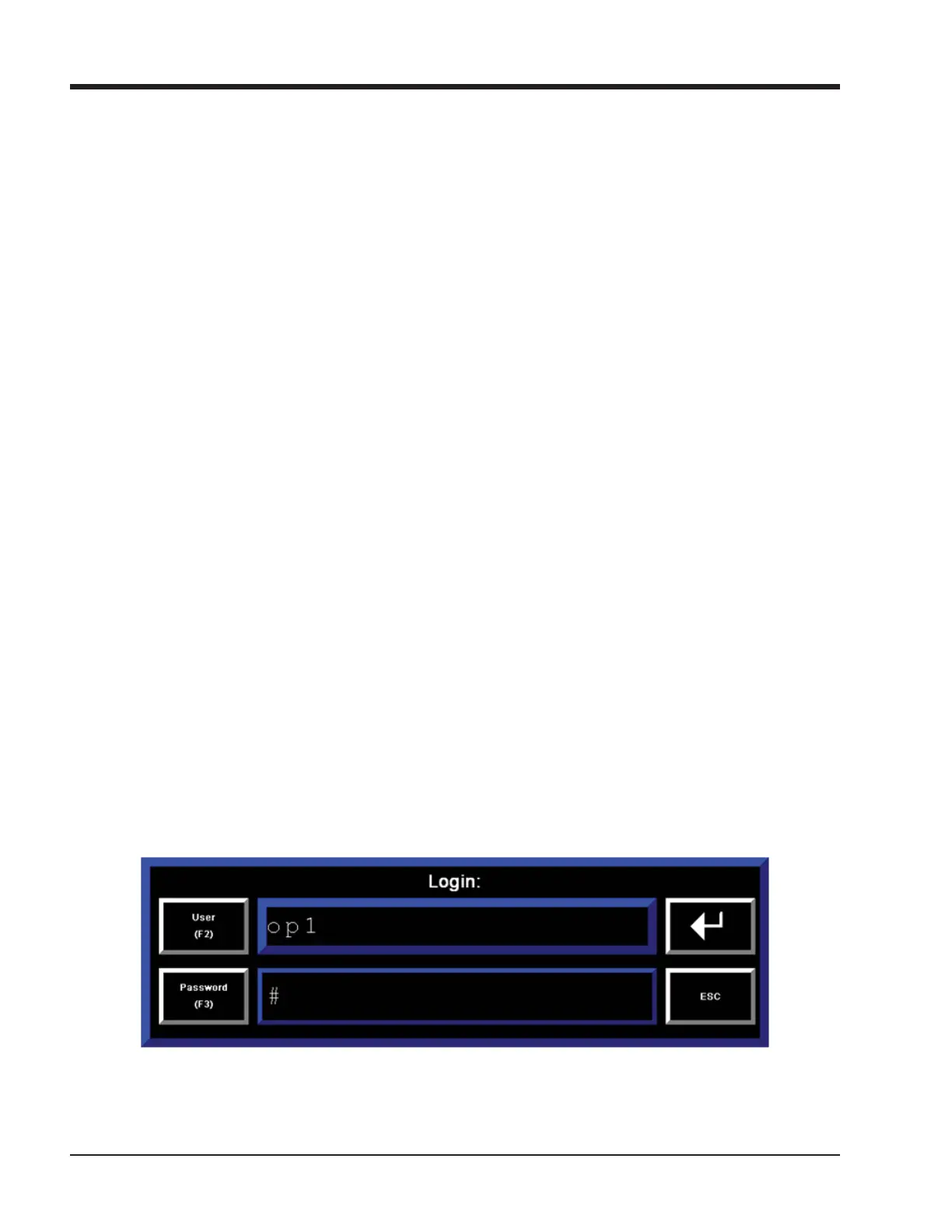
To log on, press the “Log On” button. The “Log On” but-
ton is located in the Upper-Right corner of most screens,
and in the lower right corner of the menu screen. The
login popup screen will appear, shown in Figure 4-3. Enter
User Name and password using the popup keyboard.
It is recommended to log out when fi nished. Every login
is recorded in the blower control’s event list. After 10
minutes of inactivity, the HMI will automatically log out
the current user.
Figure 4-2. Login Popup Screen



 To Next Page