5 – 3
Section 5 • Configuration - Supervisor Level
Blower Package PLC Operation Manual •Vilter/Emerson • 35391BLP
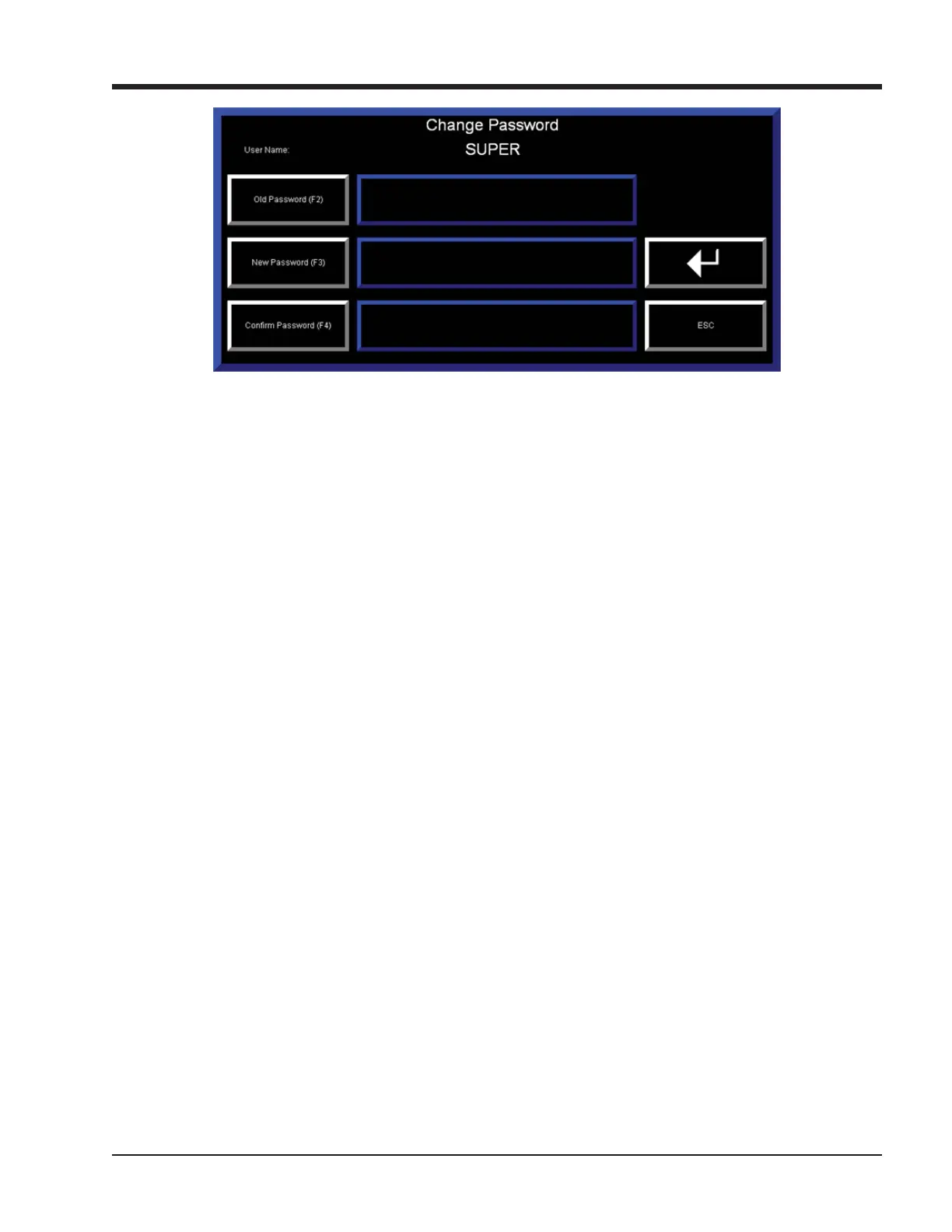
Figure 5-3. Change Password Pop-Up Screen - Supervisor Level
PANELVIEW CONFIGURATION
Pressing the “Panelview Confi guration” button closes
the blower control application running on the HMI and
opens the Factory Talk View ME Station confi guration
screens.
INITIAL RUNNING DATA
Pressing the “Initial Running Data” Button opens the
Initial Running Data Screen which shows baseline
data logged when the blower was new. See Section X
“Diagnostics Screens” for more information.
DEVICE NAMES
Pressing the “Device Names” button navigates to the
Defi ne Device Names screens. See “Defi ne Device
Names” later in this section for more information.
BACK TO MENU
Pressing the “Back to Menu” button navigates back to
the main menu screen.



 To Next Page