DJI M300/M350 preparation for Hovermap operation
Release date: 30 Apr 2024
Revision: 2.2
1.
2.
1. DJI M300/M350 setup
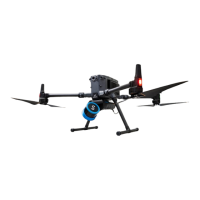
This instruction outlines how to set up a DJI M300/M350 drone so that it can carry Hovermap. Once set
up, it will also be able to send autonomy command data and receive GPS through the Hovermap serial
cable. The key steps are:
Mount Hovermap using a custom mounting bracket.
Update and configure the DJI software development kit (SDK).
For information on how to use DJI GPS data to georeference and automatically merge your scans, refer
to the Emesent Aura user manual.
Note
To be automatically merged, GPS data must be present in all merged scans.
Walking or driving scans without GPS data can be merged with flight scans using
the “rough align” merge process. Refer to the Emesent Aura user manual for more
information.


 To Next Page