DJI M300/M350 preparation for Hovermap operation
Release date: 30 Apr 2024
Revision: 2.2
1.
2.
3.
1.1 Hovermap mount installation
Install the DJI M300/M350 Hovermap mount as follows.
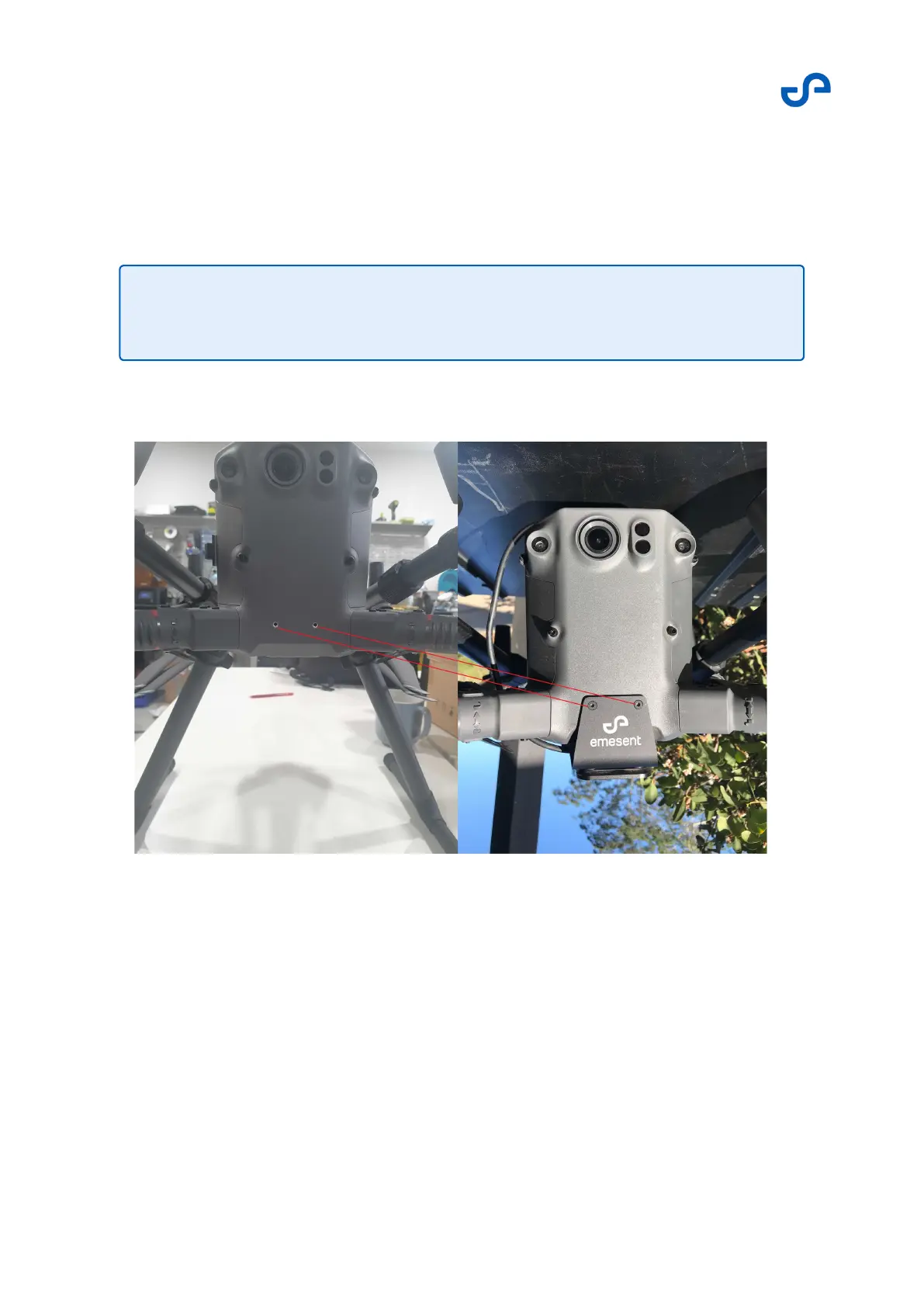
Place the mount onto the drone.
Insert and partially tighten the screws on the front of the drone.
Figure 2 DJI M300/M350 front mounting supports
Insert and partially tighten the screws into the bottom of the drone.
Note
The mount installation instructions apply to both M300 and M350 drones.


 To Next Page