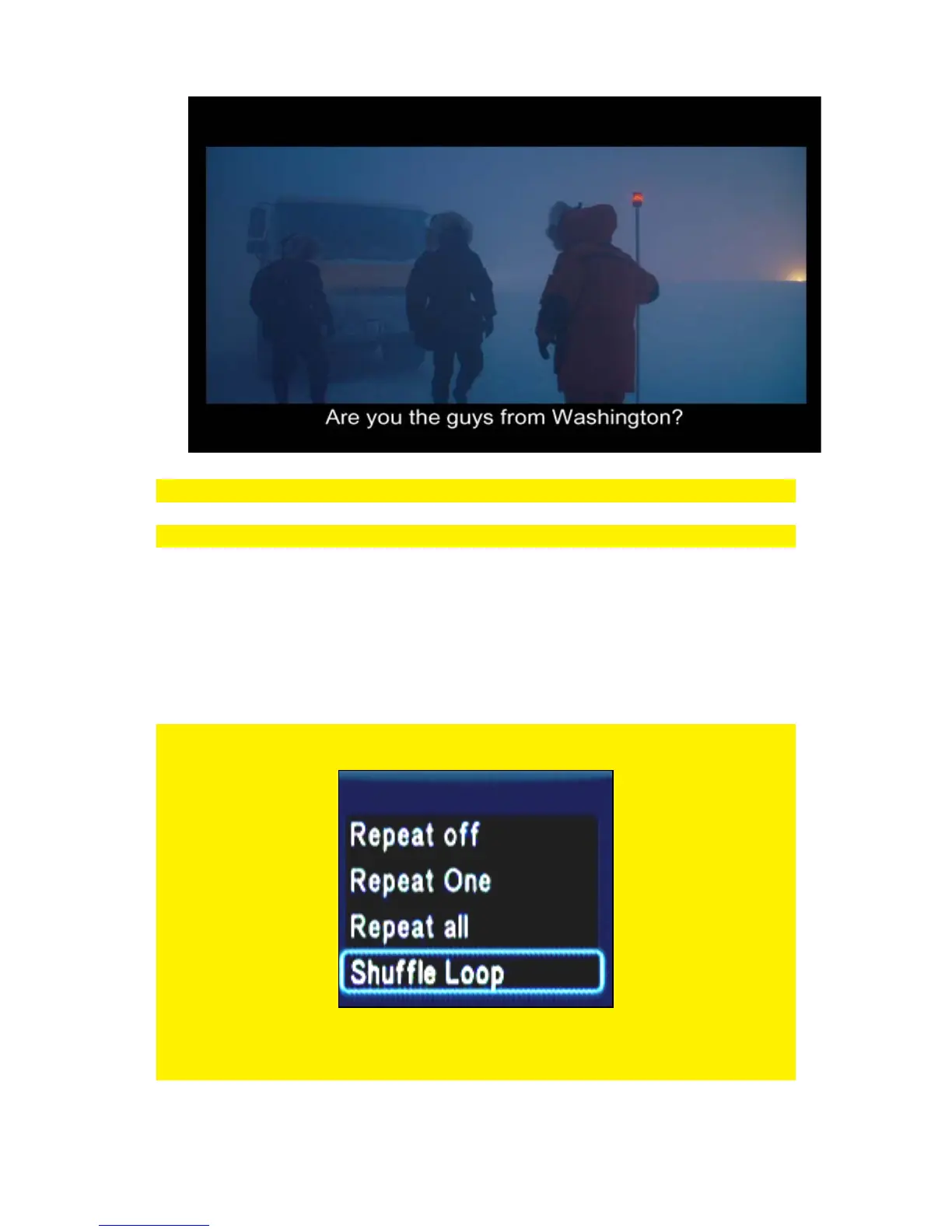
Hint: if the subtitle is out of sync with the audio try a different search result.
Note: The subtitle is downloaded to the movies folder as .SRT
10.9 Playing music and other audio files
1. Use the navigation keys to select ‘Files Manager’ and press the ‘OK’ button.
2. Select the source where you want to play from and press the ‘OK’ button.
3. Browse to the file you want to play and press the ‘Play’ button after which the file
starts to play.
Hint: Press the ‘Menu’ button while playing a music file to acquire the options as
described in the following enumeration:
Repeat off: Repeating the current played file is set to off.
Repeat One: The current played file will be repeated once.
Repeat all: All played files will be repeated.



 To Next Page