thumbgen in the folder DVD_movie/DVD_movie/. Please move these files to the
Folder ‘DVD_movie/’.
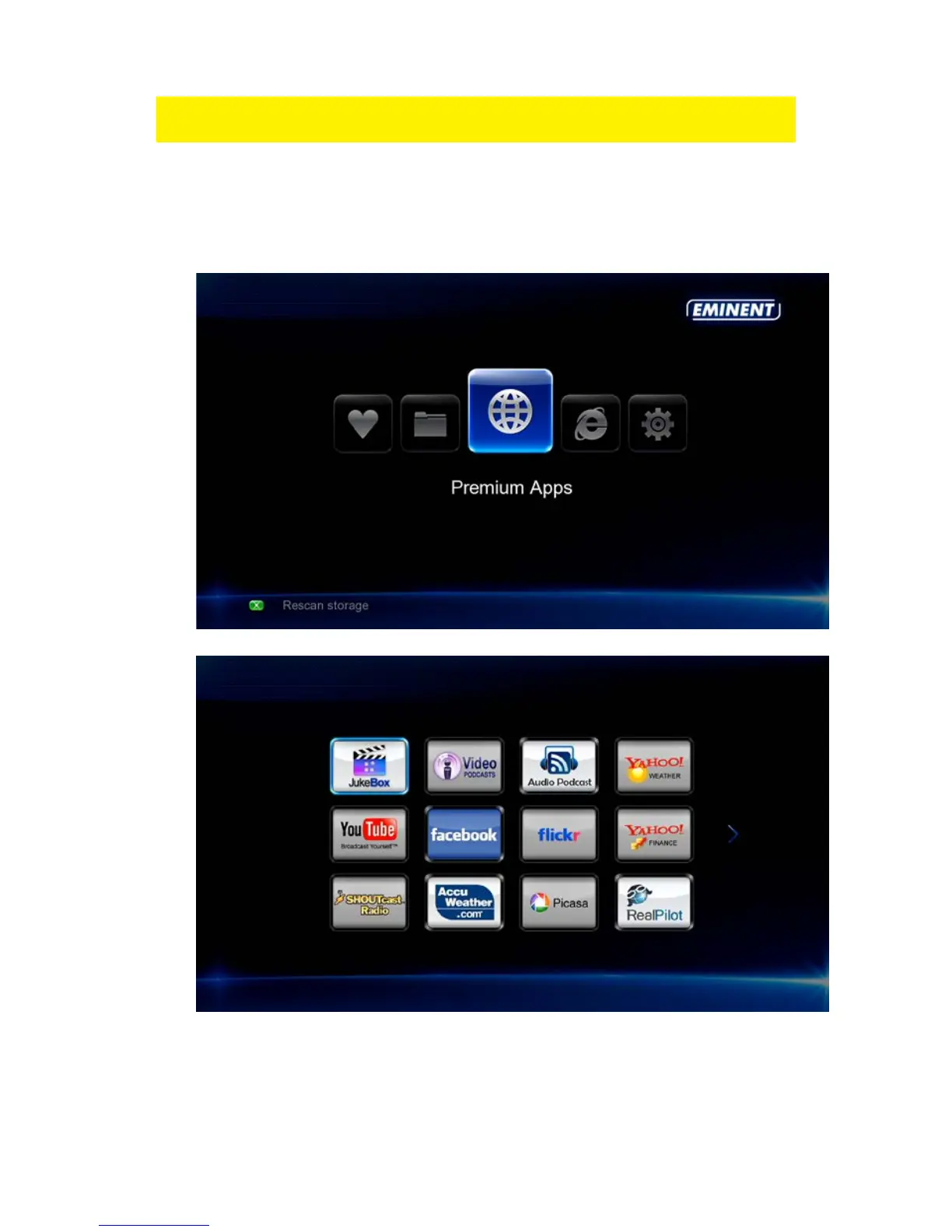
11.3 Showing Movie info using Jukebox APP
1. Make sure the media player is started.
2. Select ‘Premium APPS’ and press the ‘OK’ button.
3. Select ‘Jukebox’ and press the ‘OK’ button.
4. You will now get an overview of all movies added to the Jukebox database
including the cover art if available.



 To Next Page