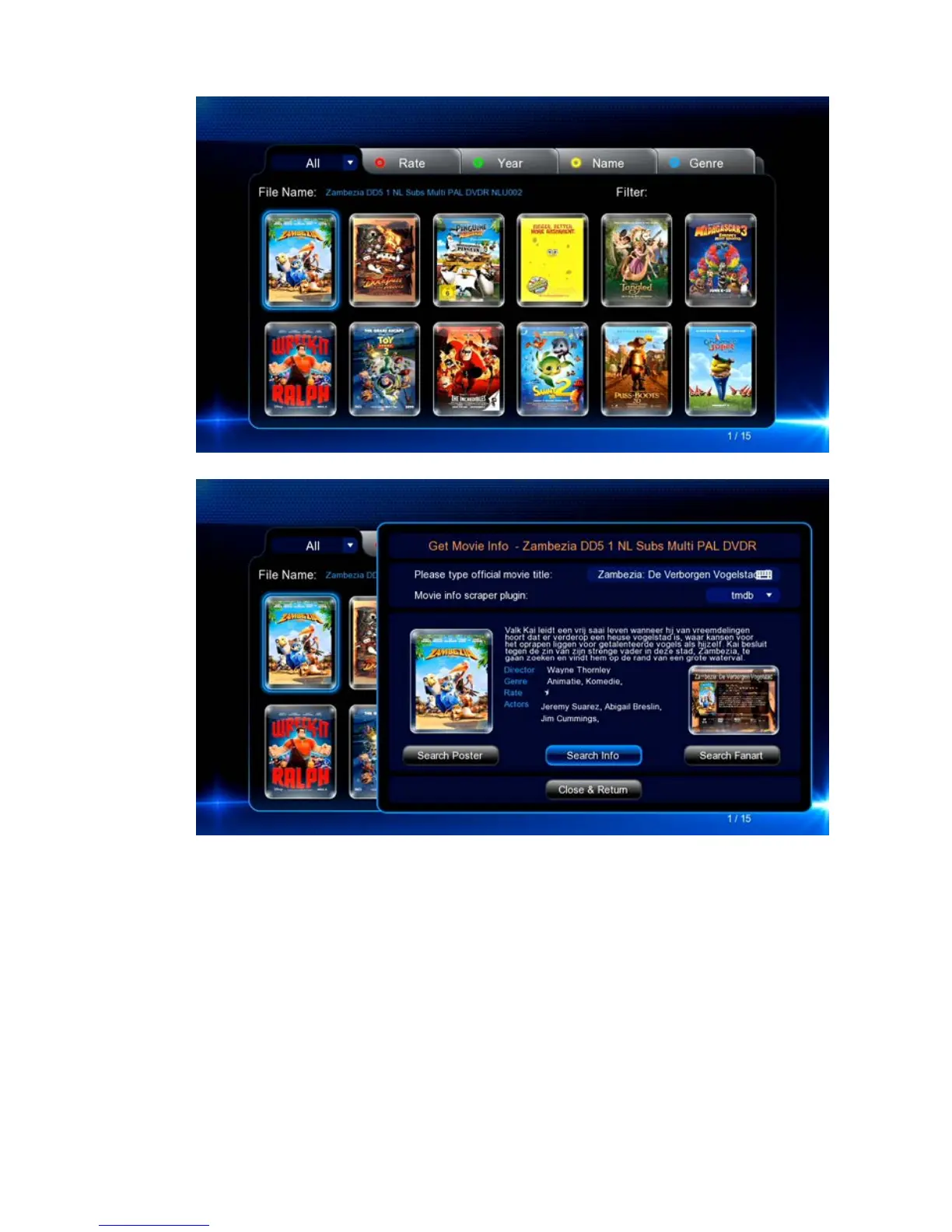
5. Press the ‘INFO’ button on your remote to display the Movie Info.
6. If the information is not correct you can use the Search buttons to let the EM7480
/ EM7485 search for the correct Information and/or cover.
7. Select ‘Close & Return’ to go back to the Jukebox overview.
8. Select the movie you wish to play and press ‘OK’ and the movie will start to play..
12.0 Playing media through the network
The media player is equipped with a UPnP and Samba client. This way, the media
player will be able to stream media from a UPnP server or Samba server through your
network. Windows XP and Vista are usually equipped with Windows Media Player.
Since Windows Media Player 11 is the latest available version for these Windows
versions, we will explain this version for Windows XP and Vista. Also, Windows Media
Player 12 is mentioned as this is the default Media Player version in Windows 7/8/8.1.



 To Next Page