Setup
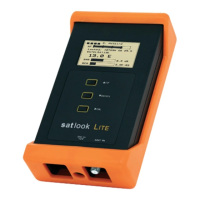
Pressing "OK" when the arrow “>” is pointing towards "Setup" will enter the setup
mode. In setup mode these parameters can be adjusted. These settings will be
restored on power on.
• Language: English, Spanish, French, German, Portuguese and Swedish
• Auto power off: 1 min, 2 min, 5 min, 10 min, 30 min and always on.
• LCD backlight: On or Off.
• LCD Contrast: Lighter or Darker.
• Info: Shows software version, Satlist version loaded, battery power, etc.


 To Next Page