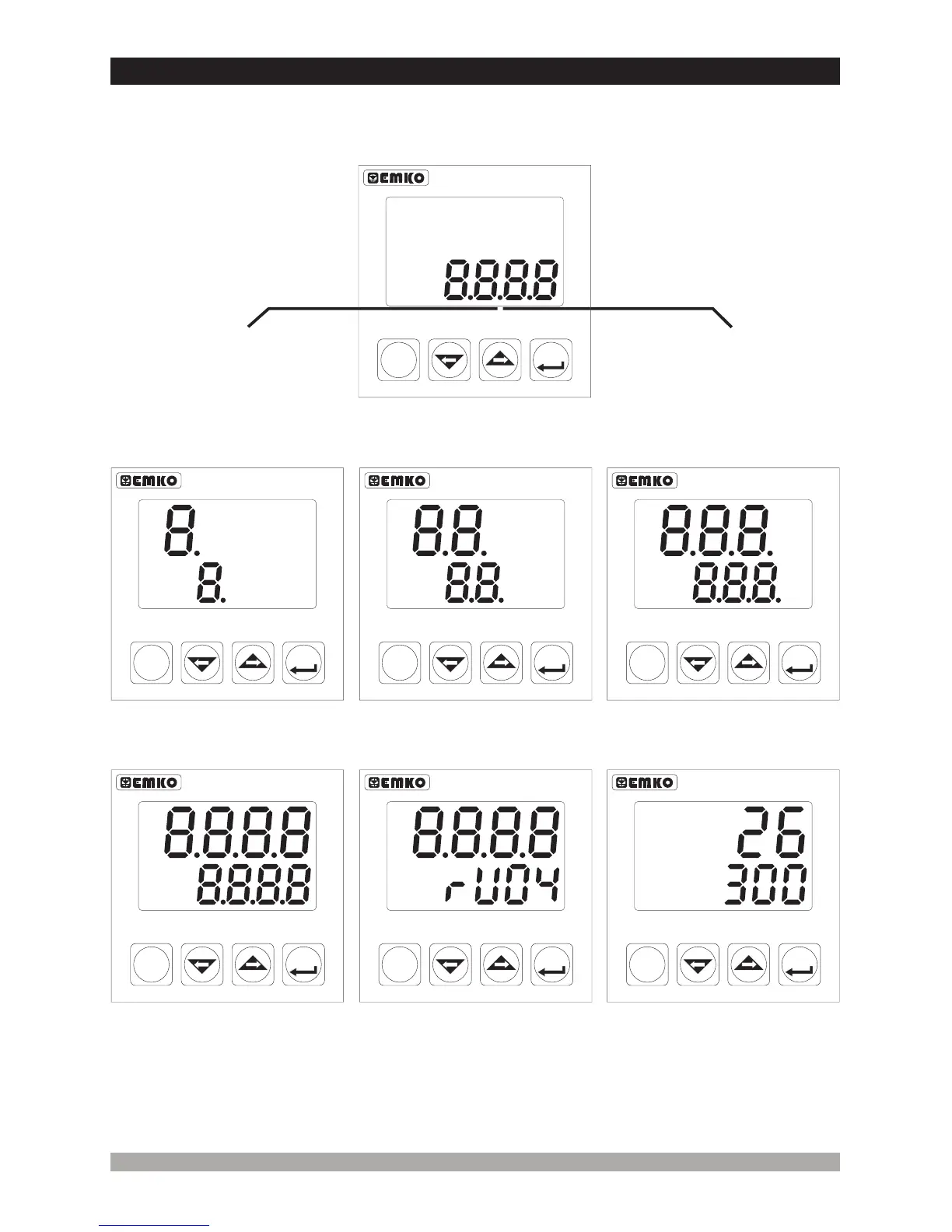
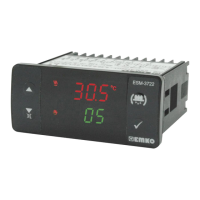
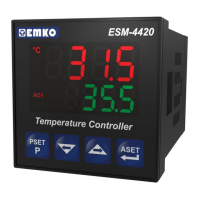
When the power is applied to the device all led indicators and display segments are momentarily
illuminated for testing. Software revision number of the controller on the bottom display is
momentarily illuminated.
5.2 Run the Device and Observation of Software Version on the Displays
22
When power on, display of the indicator is like below:
First segments of top and
bottom displays are tested
Second segments of top
and bottom displays are
tested.
Third segments of top and
bottom displays are tested.
Fourth segments of top
and bottom displays are
tested.
Revision number is shown.
All leds are energised.
Main operation screen is
shown
If there is an unexpected situation while opening the device, power off the
device and inform a qualified personnel.
c
ESM-4420
ASET
Temperature Controller
P
PSET
°C
°F
PO
AO
PS
AS
ESM-4420
ASET
Temperature Controller
P
PSET
°C
°F
PO
AO
PS
AS
ESM-4420
ASET
Temperature Controller
P
PSET
°C
°F
PO
AO
PS
AS
ESM-4420
ASET
Temperature Controller
P
PSET
°C
°F
PO
AO
PS
AS
ESM-4420
ASET
Temperature Controller
P
PSET
°C
°F
PO
AO
PS
AS
ESM-4420
ASET
Temperature Controller
P
PSET
°C
°F
PO
AO
PS
AS
ESM-4420
ASET
Temperature Controller
P
PSET
°C
°F
PO
AO
PS
AS
“ rU” RevisionÞ
Revision number


 To Next Page