© 2024 EMM Labs, All Rights Reserved. EMM Labs reserves the right to amend specifications & design without notice.
014
Operation
DA2i STEREO D/A CONVERTER OWNER’S MANUAL
Operation
Inputs & Connections
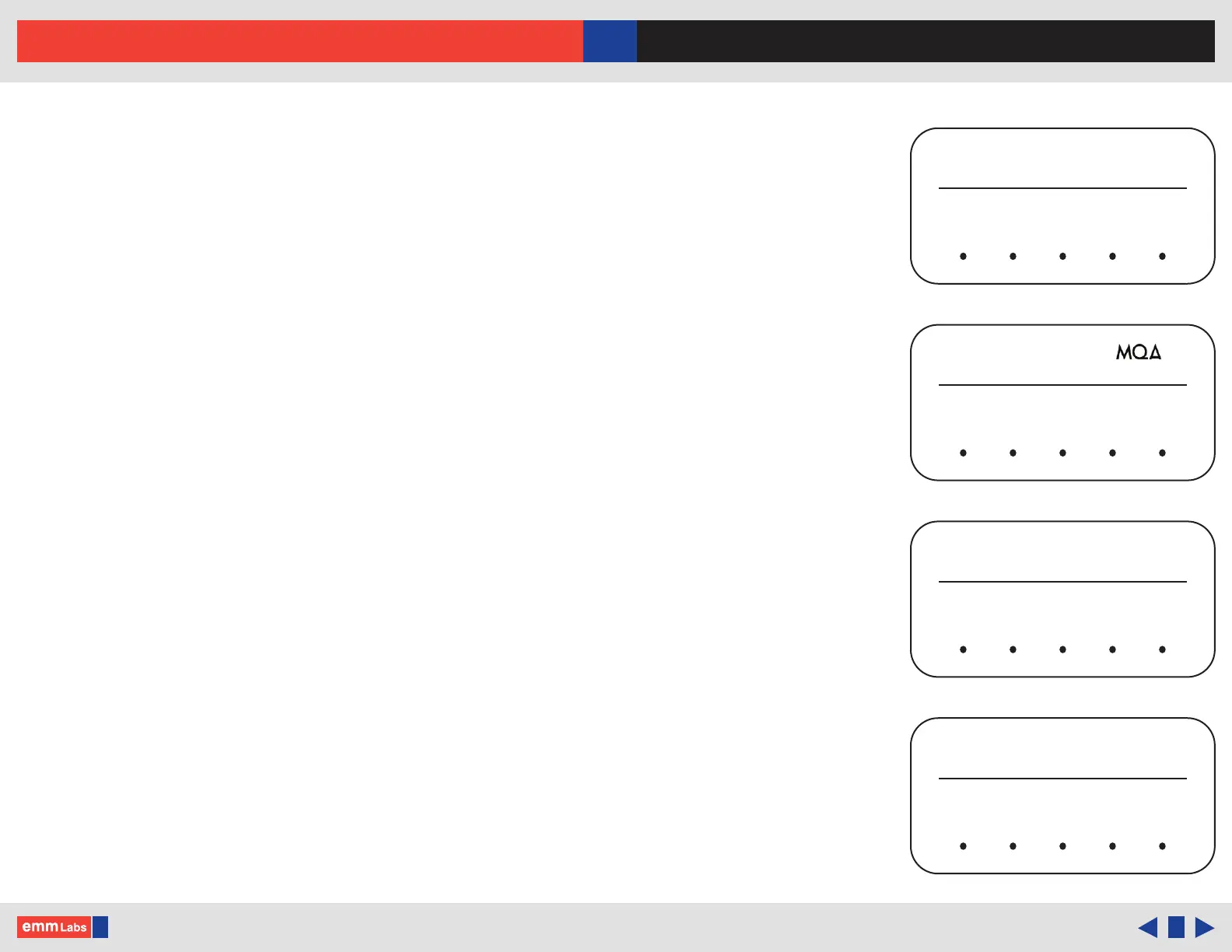
e main screen shows the current input that is being used and sample rate. e sample
rate is shown, when a valid digital audio stream is detected. If there is nothing connected
or an invalid audio stream, “NO LOCK” is displayed. Along with the sample rate, the
type of MQA® stream is also displayed. e DA2i has a host of digital inputs:
EMM : EMM Optilink input. Proprietary EMM Labs ST glass optical connection to
an EMM Labs CD/SACD transport or player eg. TX2, TSDX, XDS1 etc.
USB : USB Audio connection supports up to 24bit 192kHz PCM, DXD 352 and
384kHz, DSD64 and DSD128 (2xDSD) and MQA® using USB 2.0 cables
NET : Network (RJ45) connection supports up to 24bit 192kHz PCM, DXD 352
and 384kHz, DSD64 and DSD128 (2xDSD) and MQA®. Track information,
if available will be shown at the top of the display
AES : Balanced digital interface supports up to 24bit 192kHz PCM and DSD via
XLR 110Ω digital cables
COAX : COAX S/PDIF interface which supports up to 24bit 192kHz PCM and DSD
via RCA 75Ω digital cables
TOS : TOSLINK optical interface supports up to 24bit 192kHz PCM and DSD via
TOSLINK optical interface
Connect the source digital outputs to the appropriate DA2i digital inputs and select the
appropriate input using the input toggle/scroll back (◄) or forward (►) touch buttons.
MUTE MENU
◄ ►
POLARITY
INPUT
EMM
DSD
EMM OPTILINK
DSD128
MUTE
STREAM
MENU
◄ ►
POLARITY
INPUT
NET
NETWORK
NO LOCK
MUTE MENU
◄ ►
POLARITY
INPUT
AES
AES “NO LOCK”
MUTE MENU
◄ ►
POLARITY
INPUT
USB
USB
STUDIO
352.8kHz
Track information shown here



 To Next Page