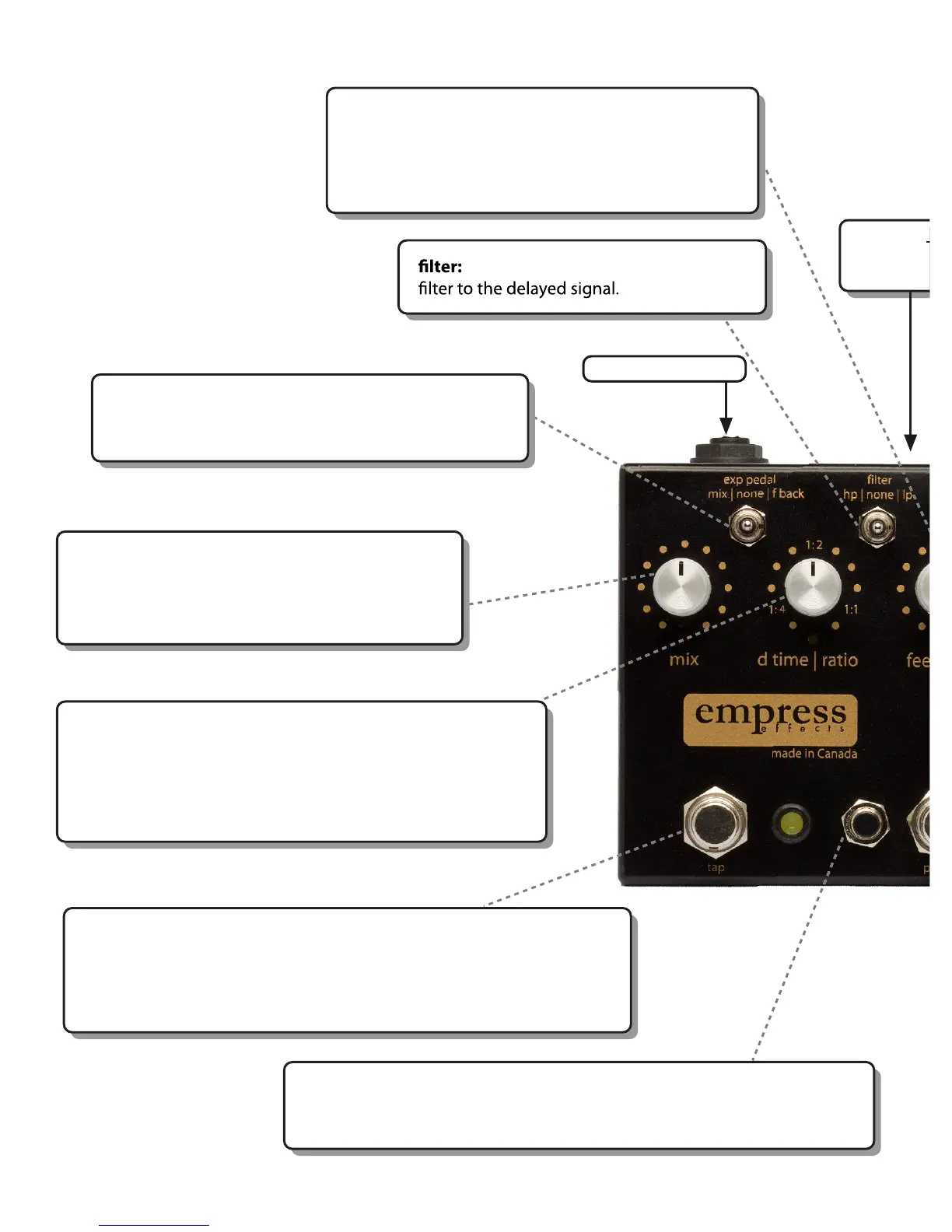
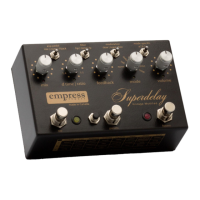
mix: controls the level between the dry signal
and the wet, delayed signal. All the way clockwise
is 100% wet signal and all the way counter-
clockwise is 100% dry signal.
feedback : controls the delay feedback. Note the
feedback ratio goes higher than one. This means
if it is fully clockwise the sound will gradually
get louder and louder.
exp pedal: when an expression pedal is plugged into
the rear of the unit, this switch determines which
parameter is controlled by the expression pedal.
adds a high pass (hp) or low pass (lp)
tap switch: in tap modes, this sets the delay time when tapped. It will
change to the new delay time after 2 taps and will average the last 4
taps.
- When cycling through the presets, tap to select a preset.
- Also performs additional functions in normal, misc and looper modes.
save switch: small, black button to the left of the presets switch. Holding
the save switch and pressing the presets switch saves the current
parameters to the selected preset bank.
Controls at a Glance
power: 9V -12V DC positive
tip 2.1mm jack. 300mA or greater
-
d time | ratio: in non-tap modes, this controls the delay time.
In tap modes it controls the ratio of the delay time relative
to the tempo that is tapped.
For example, at 1:2, the delay time will be twice as
fast as the tapped tempo.
EXPRESSION PEDAL


 To Next Page