17
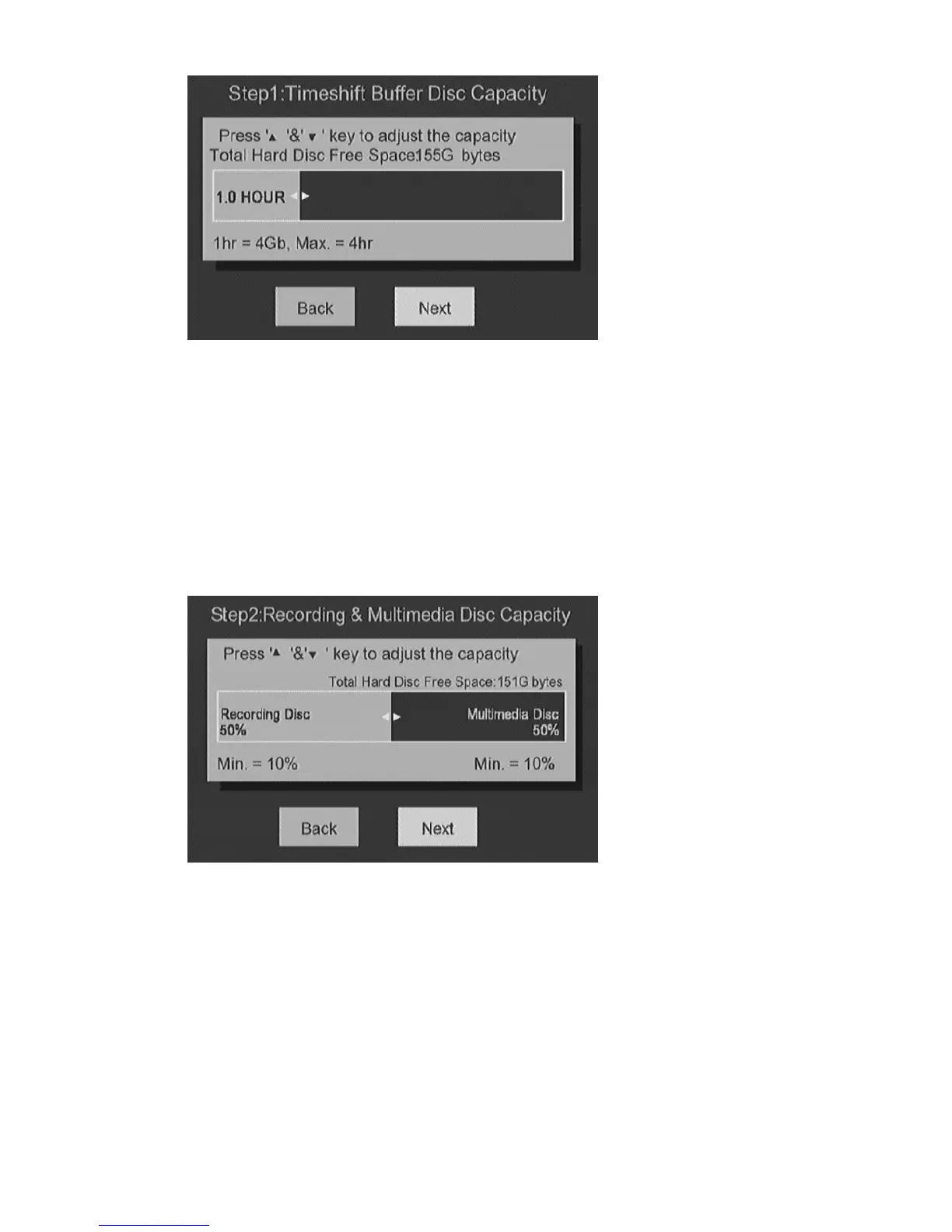
Step 2: Adjust the size for video recording.
Once you specify the size, rest of the HDD can be used for storing music,
photo, and video files. Press
g, h
key to adjust.
Select NEXT to proceed to the next step.
Step 3: Start the format process.
Once you confirm all the previous adjustment, select Format to start the
process.
Warning:
1. Once ME1 start formatting, all the data in HDD will be destroyed.



 To Next Page