25
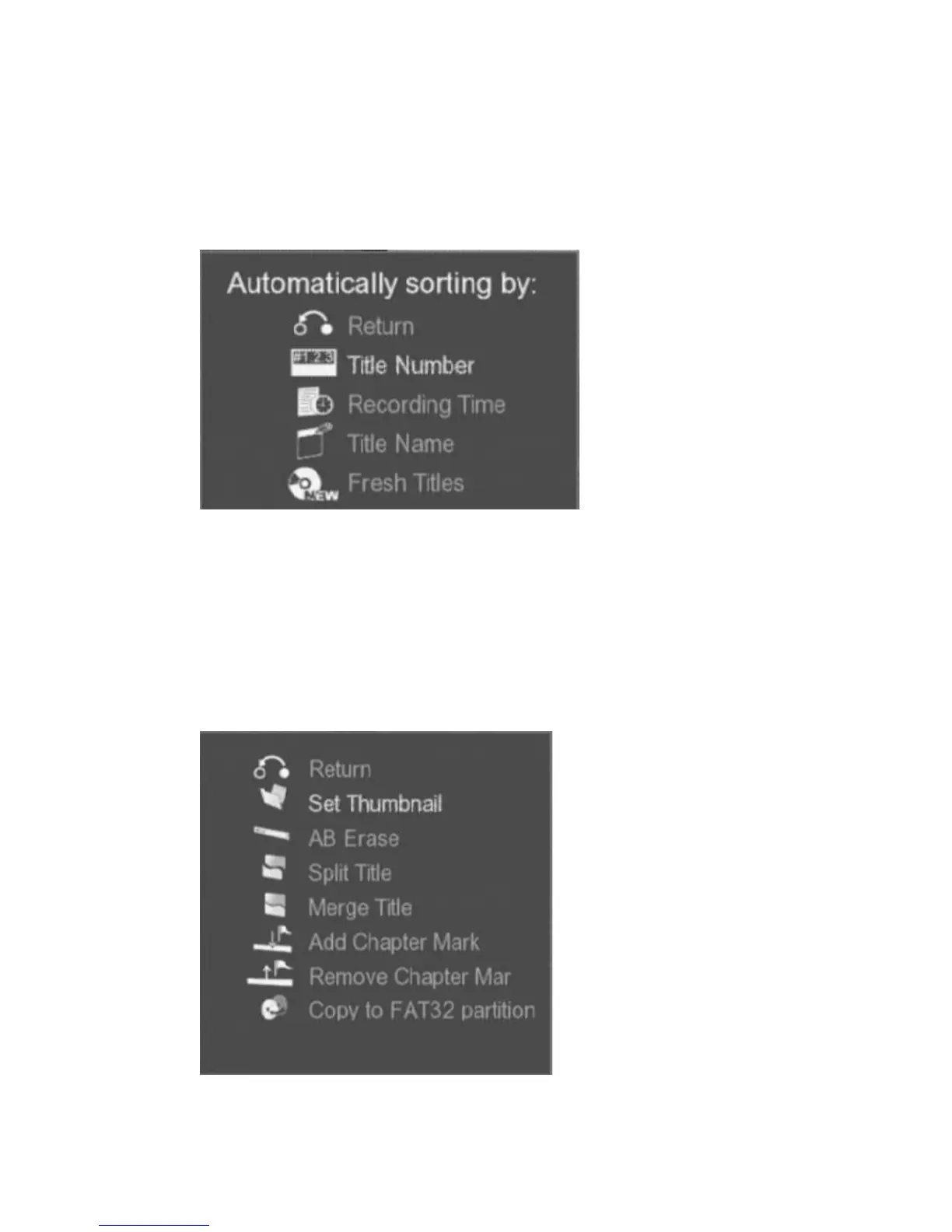
Sorting : Change the sequence of video list
A "Automatically sorting by:" message box will be shown. Use
i
,
j
keys
to select and press
ENTER
key to change the sorting method. Video listing
sequence can be sorted by Title Number, Recording Time, Title Name, or
Fresh Titles.
Figure
"Automatically sorting by:"
message box
Title Edit : Edit the select video
A Title Edit toolbox will be shown. Press
i
,
j
keys to select and press
ENTER
key to apply the editing tool.
Figure Title Edit
toolbox



 To Next Page