18
Initial setup
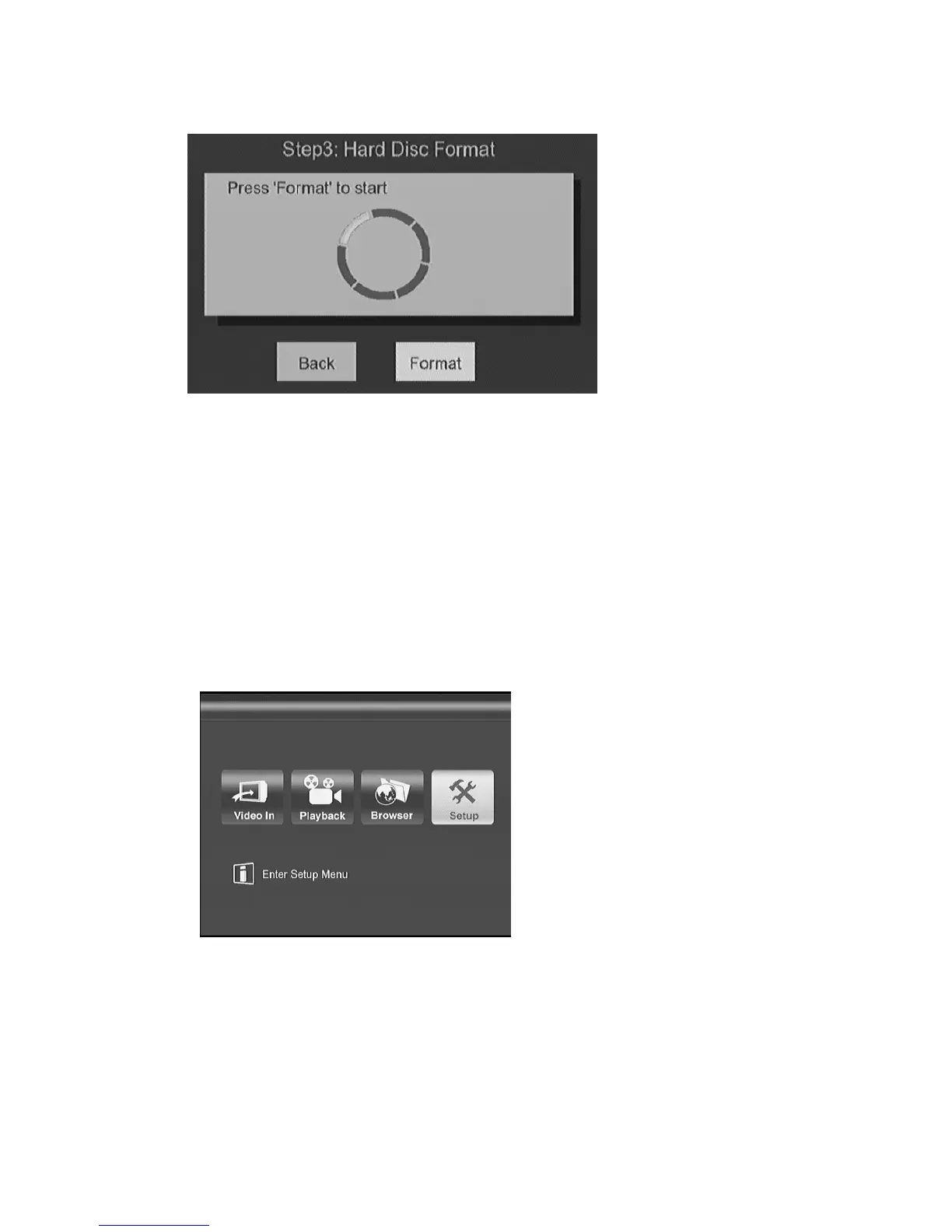
Once the HDD is initialized, you can start the ME1 initial setup process.
Note:
1. ME1 can operate without HDD installed.
Enter Setup menu from the top Menu.
Figure: To p Menu
Enter
Video
setup to change the setting to match your TV or monitor
specification.
You can press
i, j, g, h
key to select a setting, and press
ENTER
to



 To Next Page