23
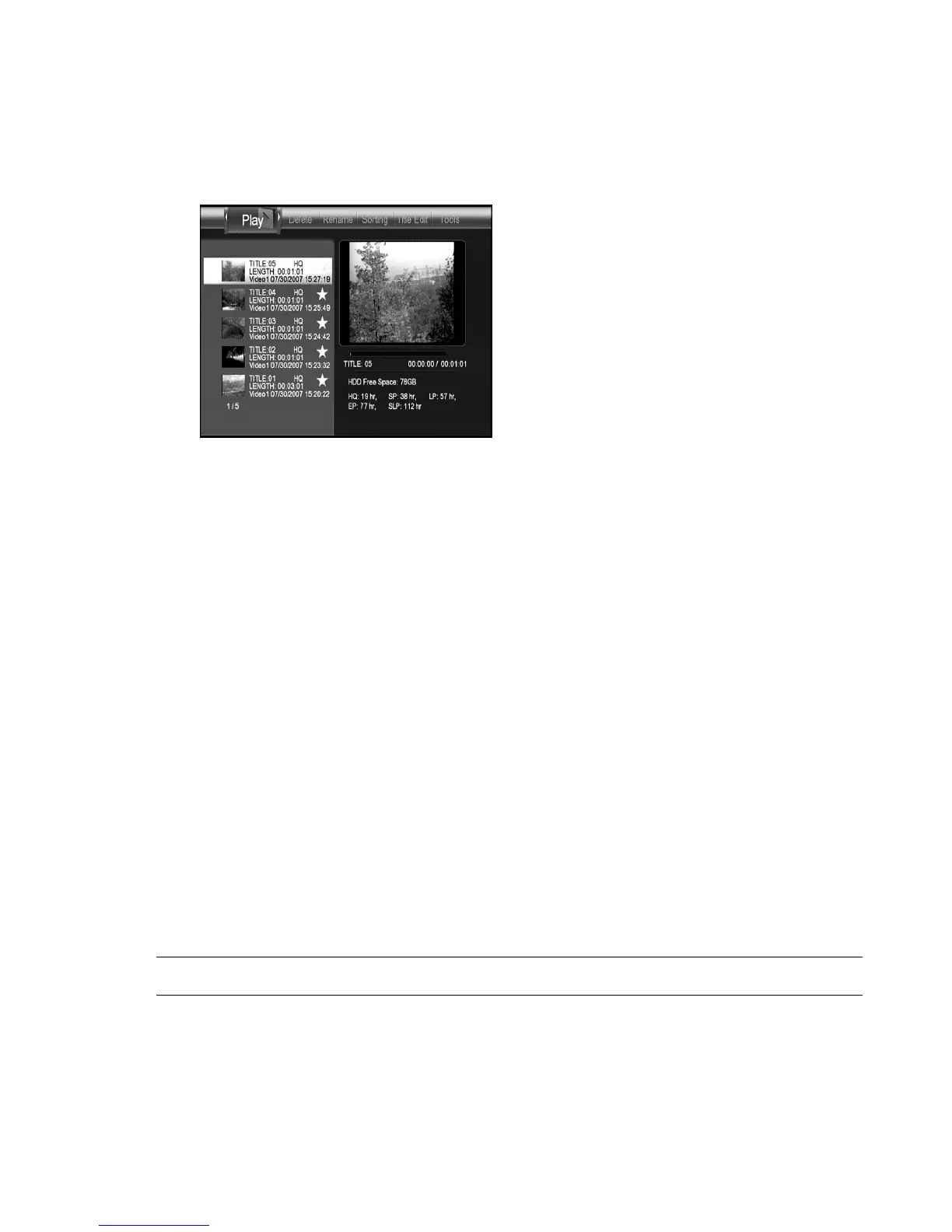
shown with selected video playing. The free HDD space for recording and
equivalent recording time are shown at the bottom of the preview window.
Figure Playback menu
You can play, delete, rename, edit the recorded title on Playback menu. Use
g
,
h
keys to select an operation. The operation will be highlighted on the top
of the screen. Use
i
,
j
keys to select a recorded video. Press
ENTER
key to apply the operation to the selected video.
Note:
1. A red
sign, on the recorded video list, indicates the video is
in recording. A yellow sign indicates the recorded video
is not played yet.
Play : Play the recorded video
You can use
PLAY CONTROL
keys to play, pause, fast play, and slow play the
video.
Key Function
PLAY
Start to play
PAUSE
Pause
FFWD
Fast forward play



 To Next Page