16
Getting started
Turn on your TV or monitor and ME1. If your TV or monitor can not
display correctly, press RESOLUTION key to change the resolution.
Initializing the HDD
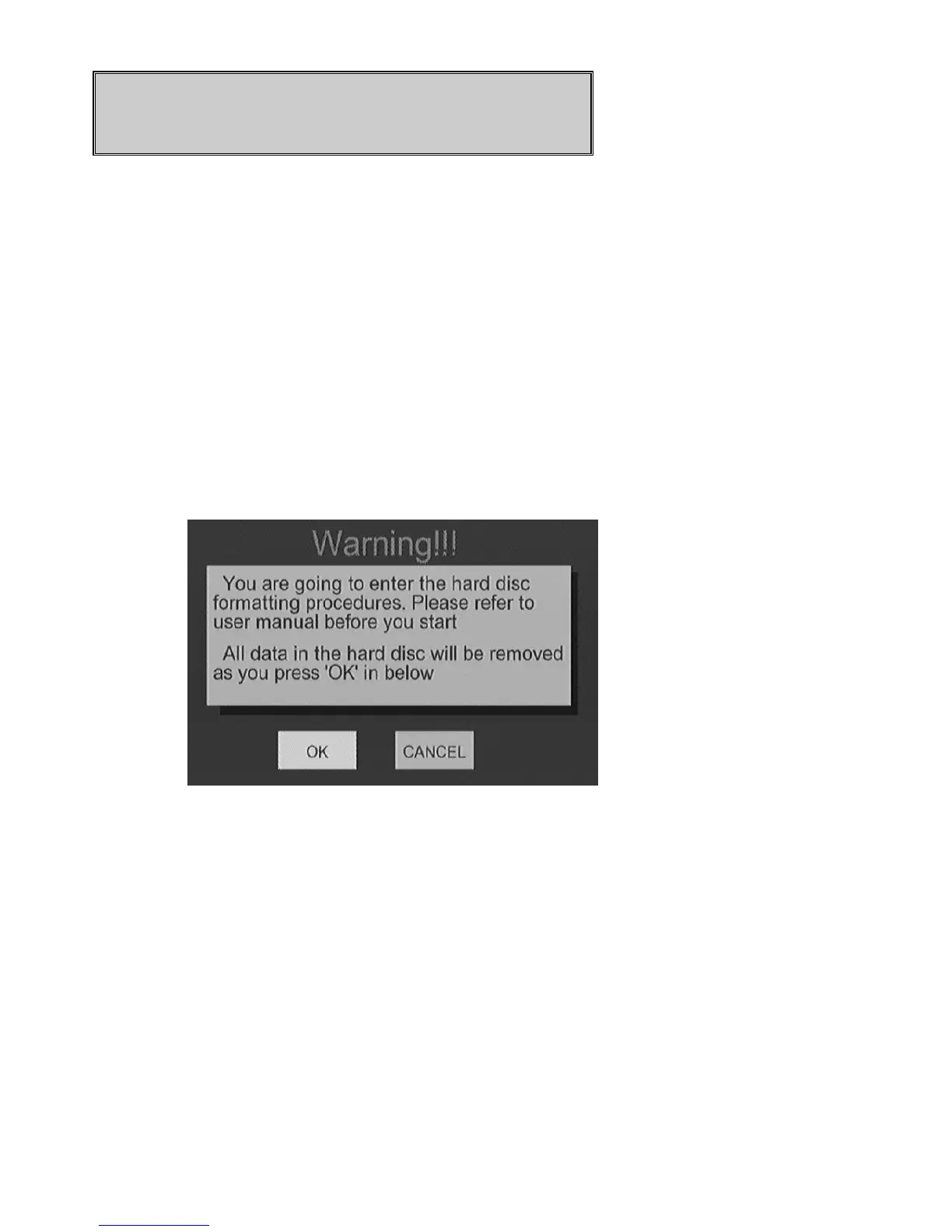
In the first time using ME1, you should initialize the HDD of ME1 after a
new HDD is installed
Please follow the following procedure to initialize the HDD.
Select
OK
to confirm the process.
Step 1: To set the buffer size for time shifting function.
The buffer is used to temporarily store the input video for time shifting
function. You can choose from 1 hr to 4 hrs. Press
g, h
key to adjust.
Select NEXT to proceed to the next step.



 To Next Page