24
FRWD
Fast backward play
PREV
Jump to previous chapter mark
NEXT
Jump to next chapter mark
STOP/LIVE
Stop the playing, a green indication displayed
Slow
Slow play
When playback started, the video selected will display in full screen. ME1
supports 1.5x, 2x, 4x, 8x, 16x, 32x fast play and 3/4x, 1/2x, 1/4x, 1/8x, 1/16x slow
play.
Delete : Delete the video selected
A
"Confirm to delete"
message box will be shown. Select
Confirm
to confirm,
and select Cancel to Cancel.
Note:
1. Delete operation will be rejected when ME1 is under recording.
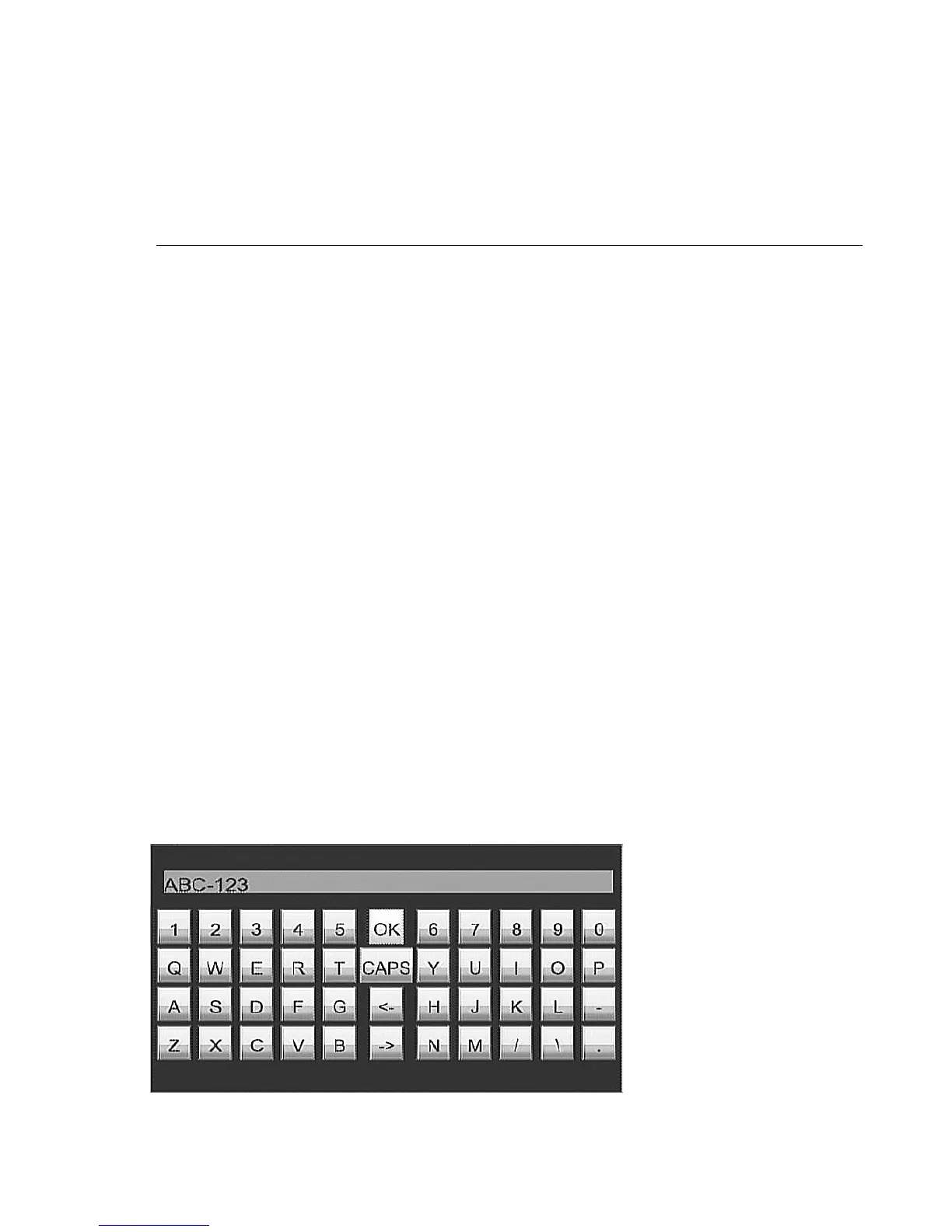
Rename : Rename the video
A keypad will be shown on screen. Use
i
,
j
,
g
,
h
to select the character
and press ENTER key to input characters. Select OK icon on keypad and
press
ENTER
key to complete the input.
Figure
Screen keypad



 To Next Page