29
1. ME1 does not support progressive JPEG format.
Select Browser icon and press ENTER key to enter the browser
mode. The media type bar is shown on the top. The selected
media type is highlighted on the leftmost of the bar. File source
selection box is shown on the left, and preview window is shown on
the right of the screen. Press
g
,
h
key to select media type, and
press
i
,
j
key to select the file source. Press ENTER to browse the
multimedia files in the select file source.
There are three file source can be browsed, including HDD, USB port, and NET.
A. HDD
Select HDD icon and press ENTER key to browse the HDD in the ME1.
Press
g
,
h
key to select media type, press
i
,
j
key to select the folder,
and press
ENTER
key to open the folder.
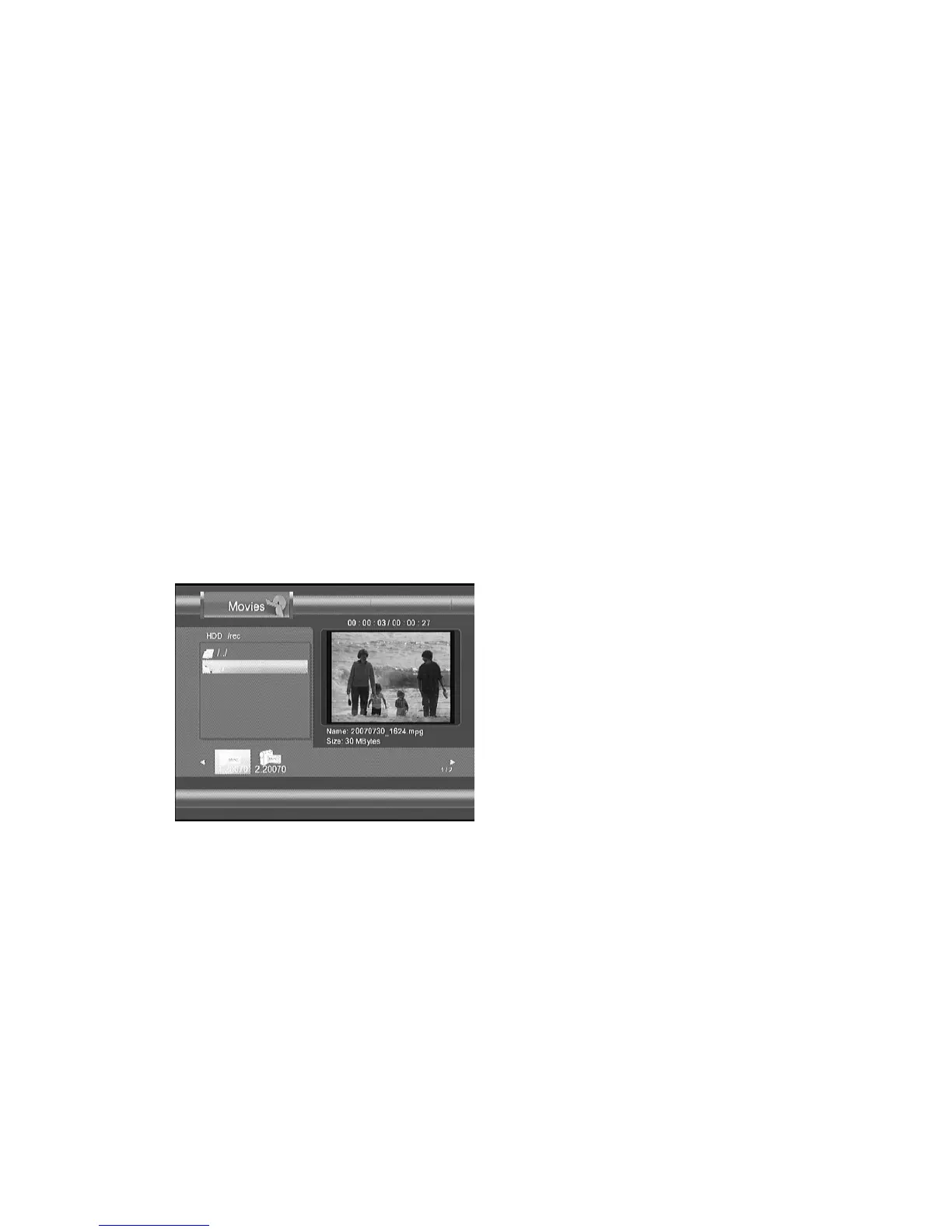
Figure Browser
screen
Only selected file type is highlighted on the left of the media type bar. The
folder name and its sub-folder are listed on the left window. The
thumbnail picture of the files, with the selected file type, are listed on the
bottom. Only the files, with selected file type, are listed. Press
g
,
h
key to select a file to preview. A preview window, shown on the right,
shows the information of the selected file. Press ENTER key to play the
selected file.



 To Next Page