31
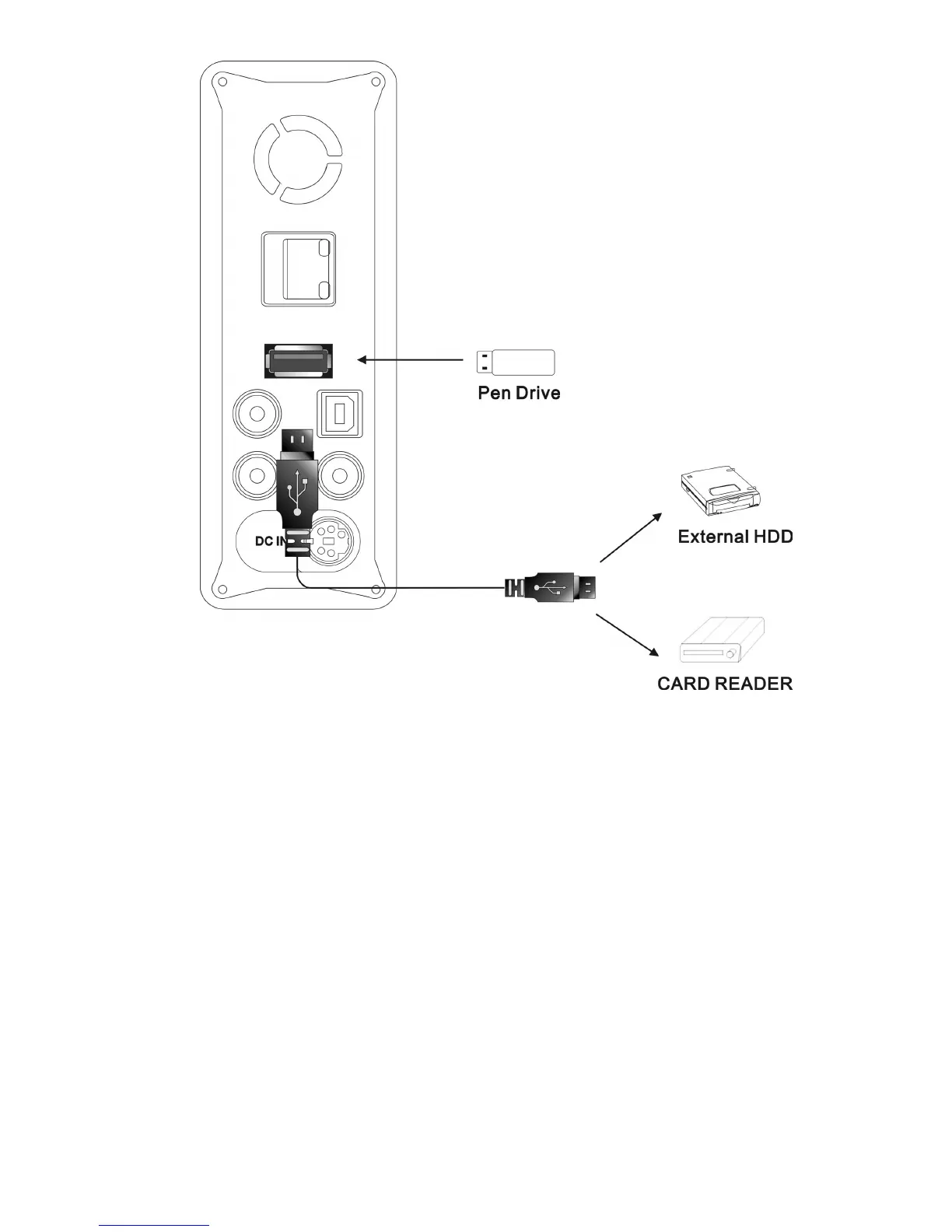
Figure USB Host connection
Note:
1.
If
your multimedia files are stored in memory card, you need to have a
USB card reader which can read the type of memory card.
2. Some USB hard disk drive may consume more current than
ME1
USB Host
port can supply. In this case, ME1 may not detect the
USB hard disk drive. Please check the instruction of your USB
hard drive to use an external power source to supply enough current
to the hard disk drive.
Select
USB icon and press ENTER key to browse the device connected
to
USB Host
port. Press
g
,
h
key to select media type, press
i
,
j
key to select the folder, and press
ENTER
key to
open the folder.



 To Next Page