Console Operation
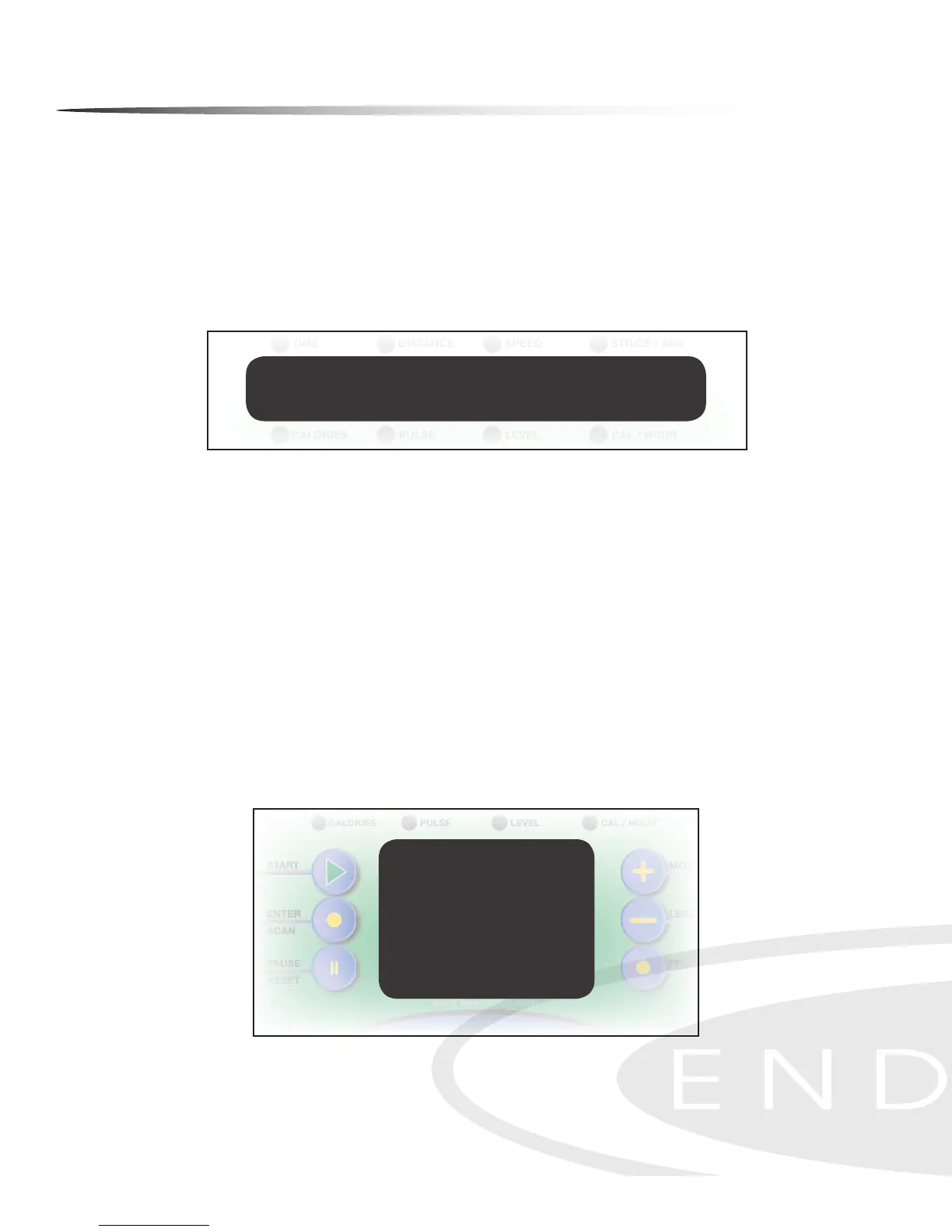
There are two information windows on the console:
MESSAGE WINDOW
The MESSAGE WINDOW displays Program Names, Messages, TIME, DISTANCE, SPEED,
STRIDE/MIN, CALORIES, PULSE, RESISTANCE LEVEL and CALORIE/HOUR.
PROFILE WINDOW
This 10 X 14 LED PROFILE WINDOW displays Program Prole, Tension (Resistance) Bar,
Heart Rate Bar (HR Programs only), Lap Progress Display and Lap Counter. The PROFILE
WINDOW toggles between program prole (displayed for 10 seconds in window) and
lap counter (displayed for 30 seconds in window), except in Heart Rate Programs.
NOTE: When changing resistance levels in preset programs, the change will not show
in the program prole. Changes in resistance will show in the rst column when lap
progress function is shown.
28
Console Prole Window
Console Message Window


 To Next Page