6
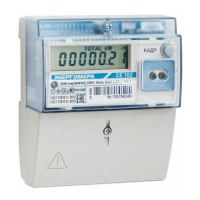
2.1.7 Display
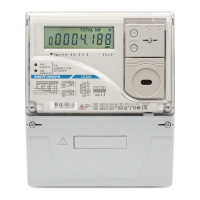
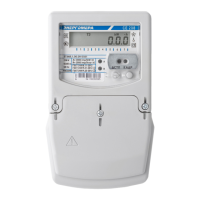
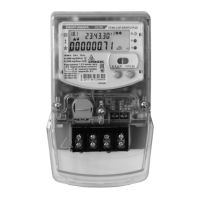
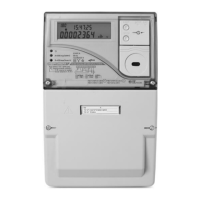
The meter has a liquid-crystal display (LCD) for measured energy, measured values, current date and time and
other parameters displaying and «FRAME» control button.
2.1.8 Communication interfaces
The meter has an optical port and EIA-485 interface (EIA-485 interface depends on meter modification).
Work with the meter through the communication interfaces can be performed using the technlogical software
«AdminTools» (hereinafter – TS).
The meter provides the ability to read archival data and measured parameters via the communication interfaces,
as well as to read / write the programmable parameters specified in the User Manual.
For information exchange via optical interface optical probe which meets GOST IEC 61107-2011 requirements
is used.
Access to parameters and data via the communication interfaces is protected by a password.


 To Next Page