
 Need help?
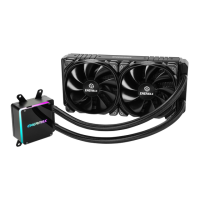
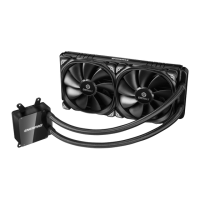
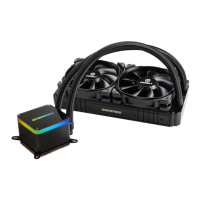
Do you have a question about the ENERMAX LIQTECH TR4 II 280 and is the answer not in the manual?
Attaching the fan and radiator to the computer chassis.
Tightening the AMD TR4/SP3 screw to the motherboard.
Applying thermal grease evenly on the CPU surface.
Removing the protective film from the cold-plate.
 General
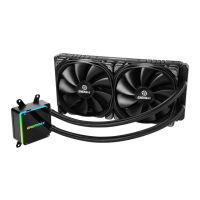
| Type | Liquid CPU Cooler |
|---|---|
| Radiator Size | 280mm |
| Radiator Material | Aluminum |
| Fan Size | 140mm |
| Fan Dimensions | 140 x 140 x 25 mm |
| Fan Speed | 500 - 1800 RPM |
| Tube Length | 400mm |
| Connector | 4-Pin PWM |
| Warranty | 5 years |
| Socket Compatibility | Socket TR4 |

 To Next Page