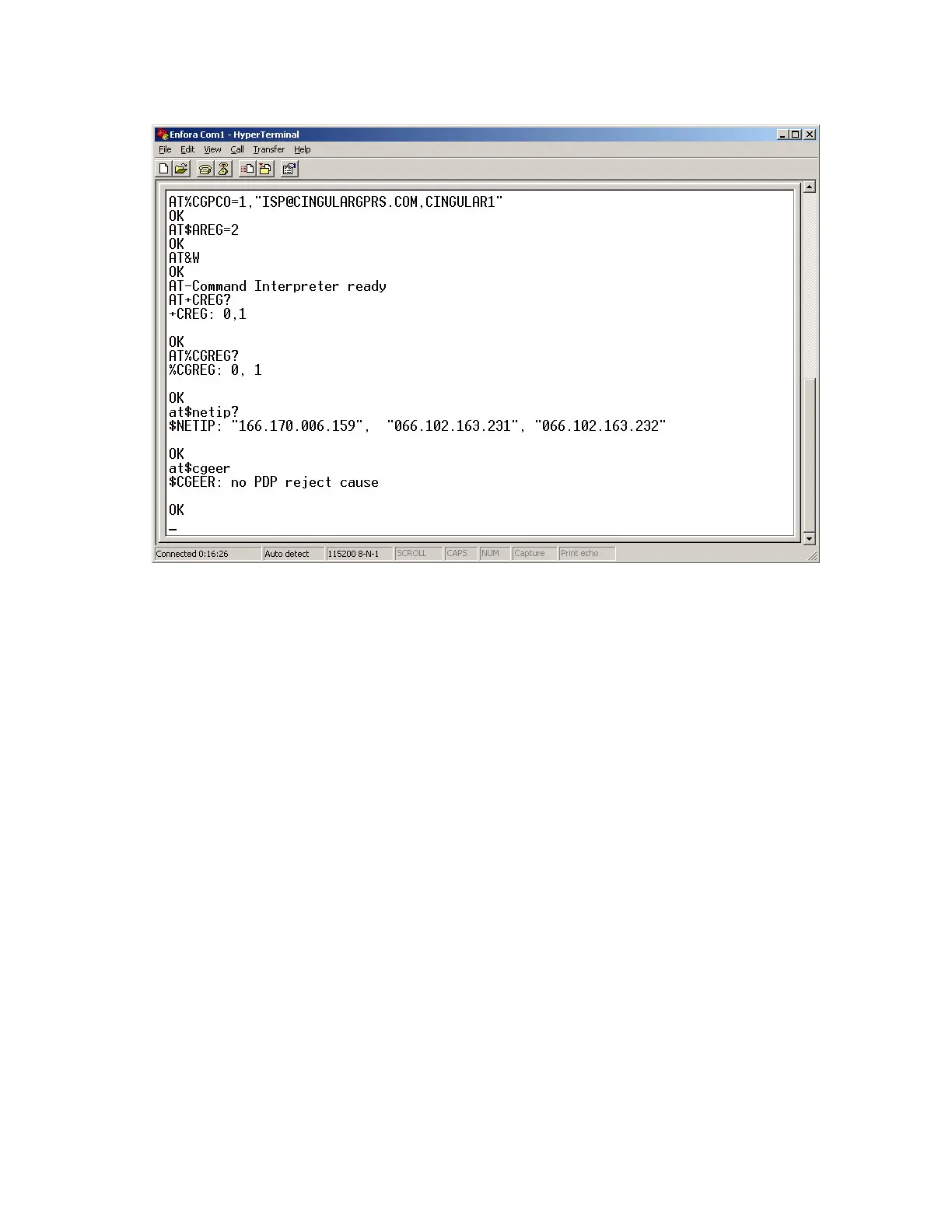
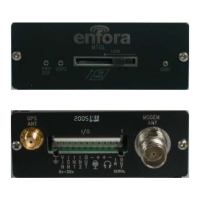
Figure: 21 - Verify GPRS Activation
If AT$NETIP returns all zeros, send the following command: AT$CGEER<CR>
There are three common responses:
l $CGEER: no PDP reject cause (Everything should be working OK)
l $CGEER: requested service option not subscribed (APN is incorrect or SIM has not been enabled for
data mode.)
l $CGEER: user authentication failed (username and/or password is incorrect.)
Configure the device to access the Enfora Server.
To configure the device for server interoperability, several things have to be addressed:
l Most GPRS configurations are Mobile Originate only. The mobile device must initiate a conversation
with a remote server before the remote server can talk to the device.
l IP addresses are dynamically assigned and can change.
l Some IP addresses are NAT and are non-routable IP addresses.
These issues are addressed with the following configuration commands.
The examples will use the following information:
- 28 -


 To Next Page