5 Operation
5.8.4. Control system 1 (for machines with double-acting
hydraulic circuit)
Has two functions, tilt and rotation.
Refer to separate user manual supplied on delivery. Also available on
the website or by contacting engcon.
5.8.5. Control system 15 (for machines with double-acting
hydraulic circuit)
Allows simultaneous operation of two functions, tilt and rotation.
Refer to separate user manual supplied on delivery. Also available on
the website or by contacting engcon.
5.8.6. Externally controlled quick hitch lock – SQ/QSC
See separate user manual for quick hitch lock operation.
- SQ – separate locking hydraulics. User manual available from
system supplier.
- QSC – Separate engcon locking system. User manual is available
for download on the website or through direct contact with engcon.
5.9. Changing tools
The following instructions concern general operation of the engcon quick hitch. For
further information and instructions, refer to the separate user manual for the quick hitch
concerned.
To ensure correct operation of the quick hitch lock when connecting/disconnecting a tool,
the quick hitch lock switch must be activated or deactivated and the hydraulics activated
in the proper manner. The procedure for these steps differs between the various control
systems.
5.9.1. Connecting the tool, hydraulic lock
1. Activate the quick hitch lock function.
2. Activate the hydraulics to operate the locking bolts.
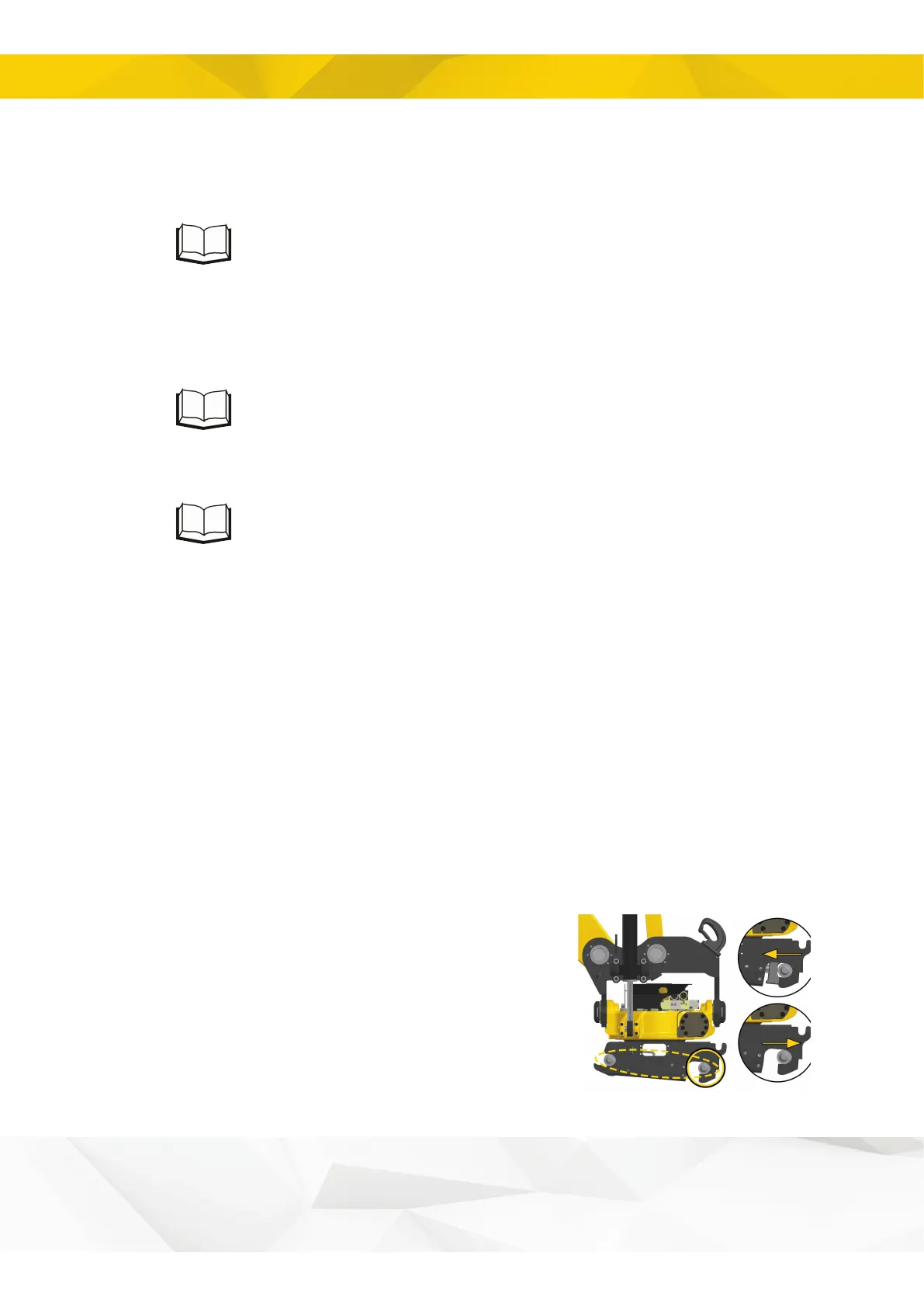
HS/SW with sensor: The sound and light warning
signals are activated when the locking cylinder is in the
open position.
26


 To Next Page