32
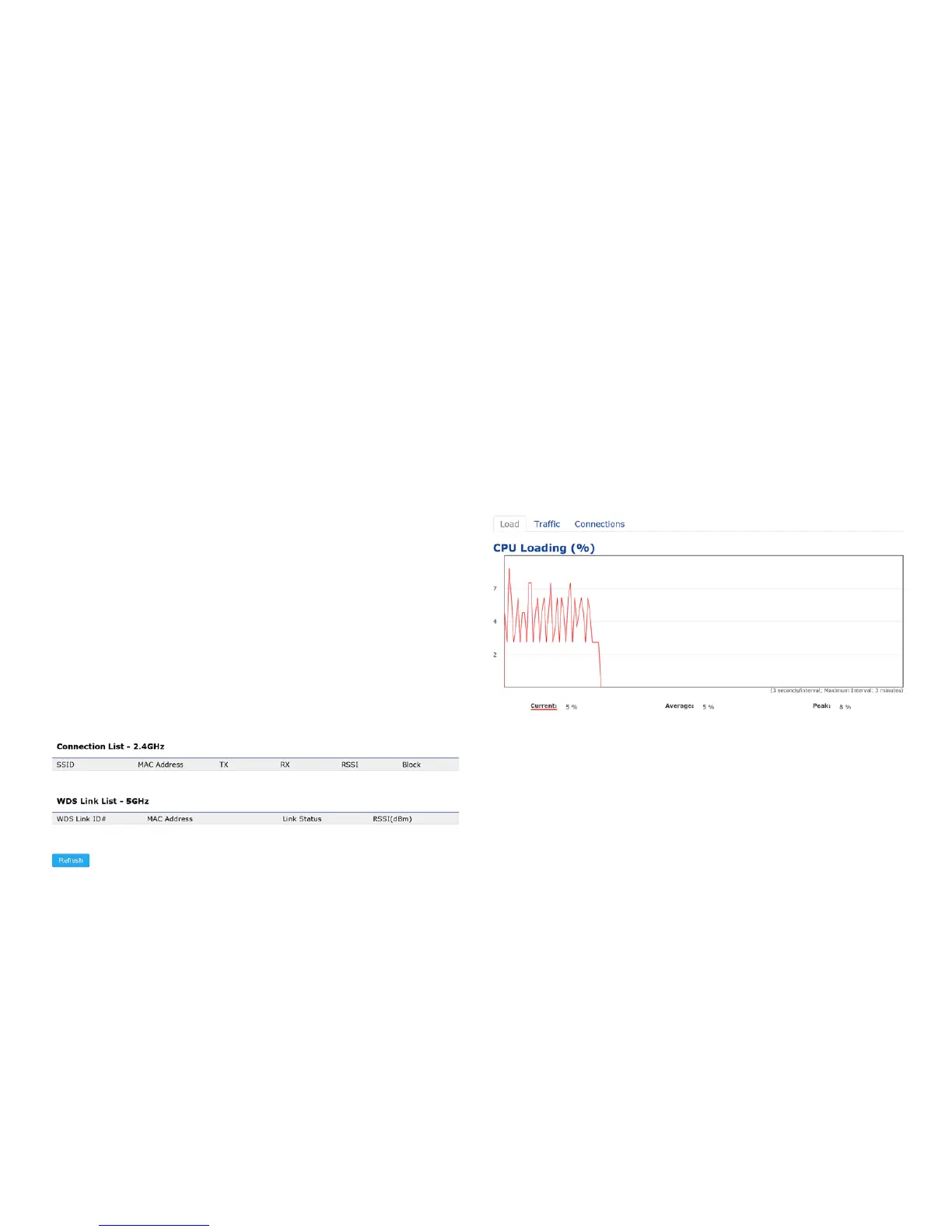
2.4 GHz/5 GHz Connection List
Click the connection link under the Overview menu displays
the connection list of clients associated to the AP’s 2.4
GHz/5 GHz, along with the MAC addresses and signal
strength for each client. Clicking Refresh updates the
client list.
Note: Only applicable in Access Point and WDS AP
modes.
2.4 GHz/5 GHz WDS Link List
Click the connection link under the Overview menu. This
pagedisplaysthecurrentstatusoftheWDSlink,including
WDSLinkID,MACAddress,LinkStatusandRSSI.
Note: Only applicable in WDS AP and WDS Bridge modes.
Realtime
TheRealtimesectioncontainsthefollowingoptions:
CPU Loading: 3 minutes CPU loading percentage
information,itdisplayscurrentloading,averageloading
and peak loading status. Left bar is loading percentage;
button is time tracing. Interval is every 3 seconds
Connections Realtime



 To Next Page