99
5.7.2.3. Mirror
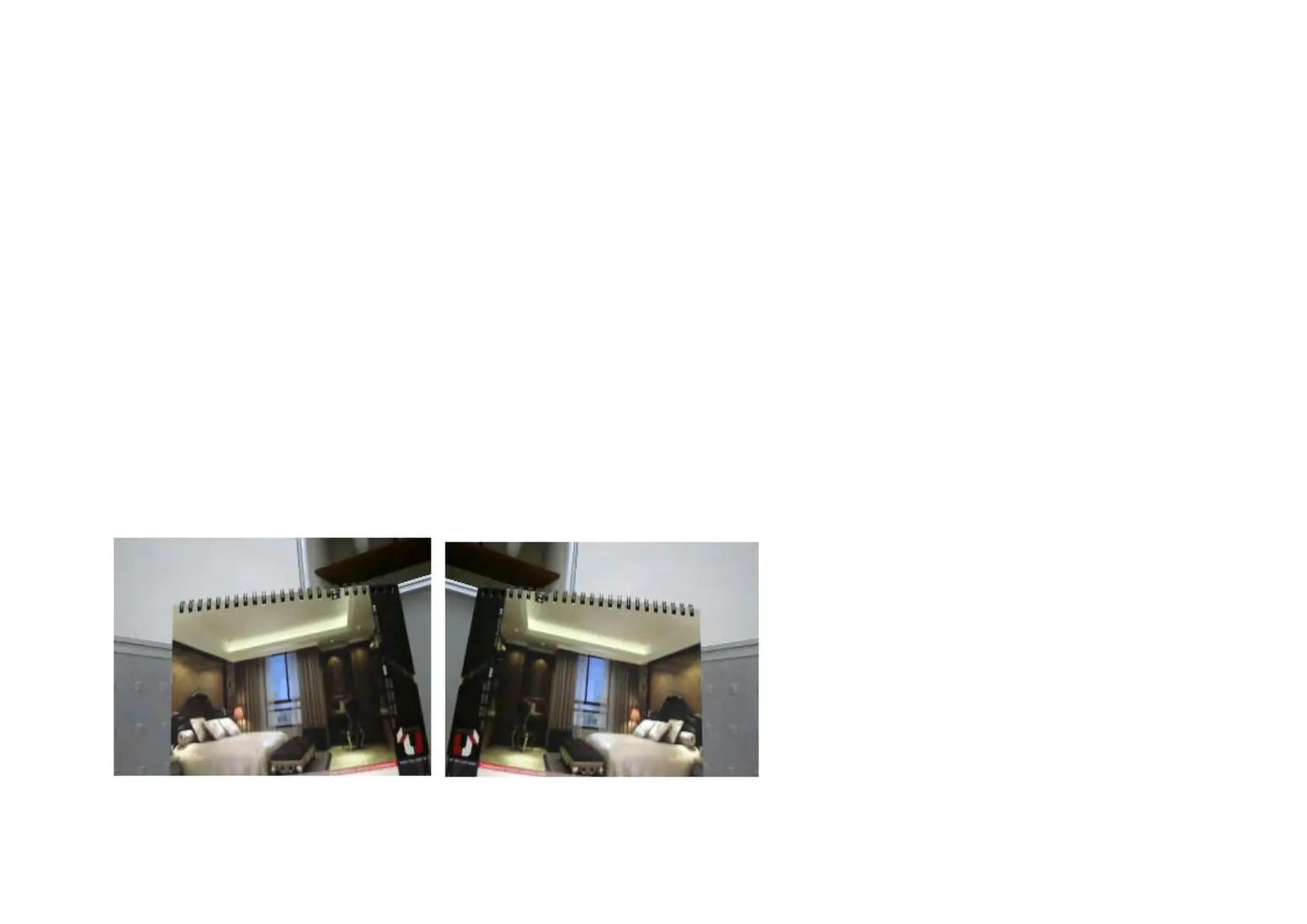
Support Mirrors: None, Mirror, Flip and Both
There are times that the camera will have to be mounted upside down for sideways. That is, the view become difficult to monitor when it is
upside down. The Mirror settings does not reflect on the preview at real time (unlike lighting condition settings). Therefore, you have to click
on Apply to see the result.
The following examples compares none with a chosen mirror effect.
Mirror (Horizontal)


 To Next Page