45
4.1.2. Changing the Camera Name
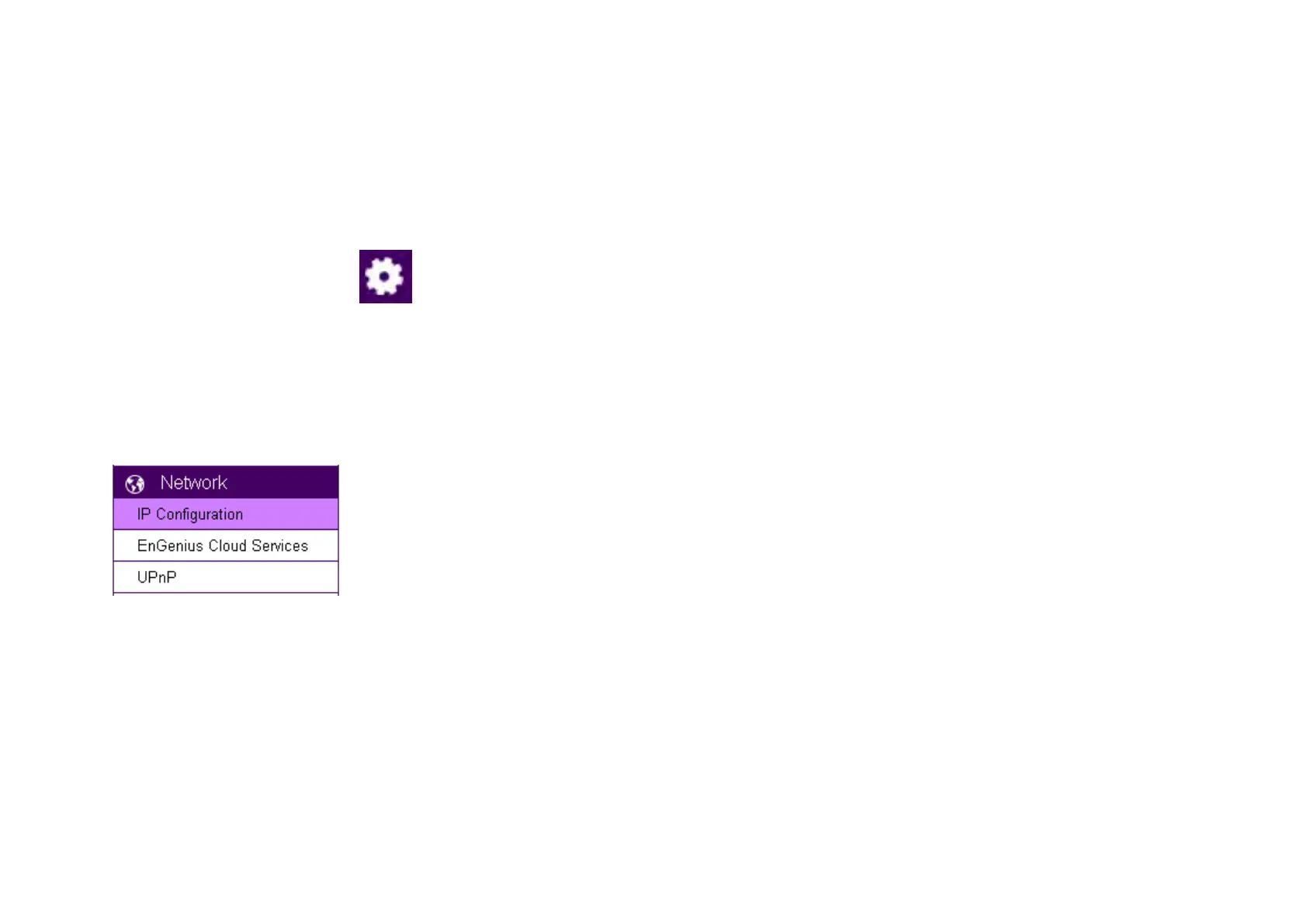
On the management page, click to access the configuration Main Menu.
On the Main Menu, select Network UPnP
Then, you may want to assign the camera with proper names for better identification if you have several cameras at the same time. Meaningful
names such as living room, kitchen, baby room or any other descriptions you find suitable to describe the space being monitored.
Select Network UPnP


 To Next Page