154
7. Application Guide
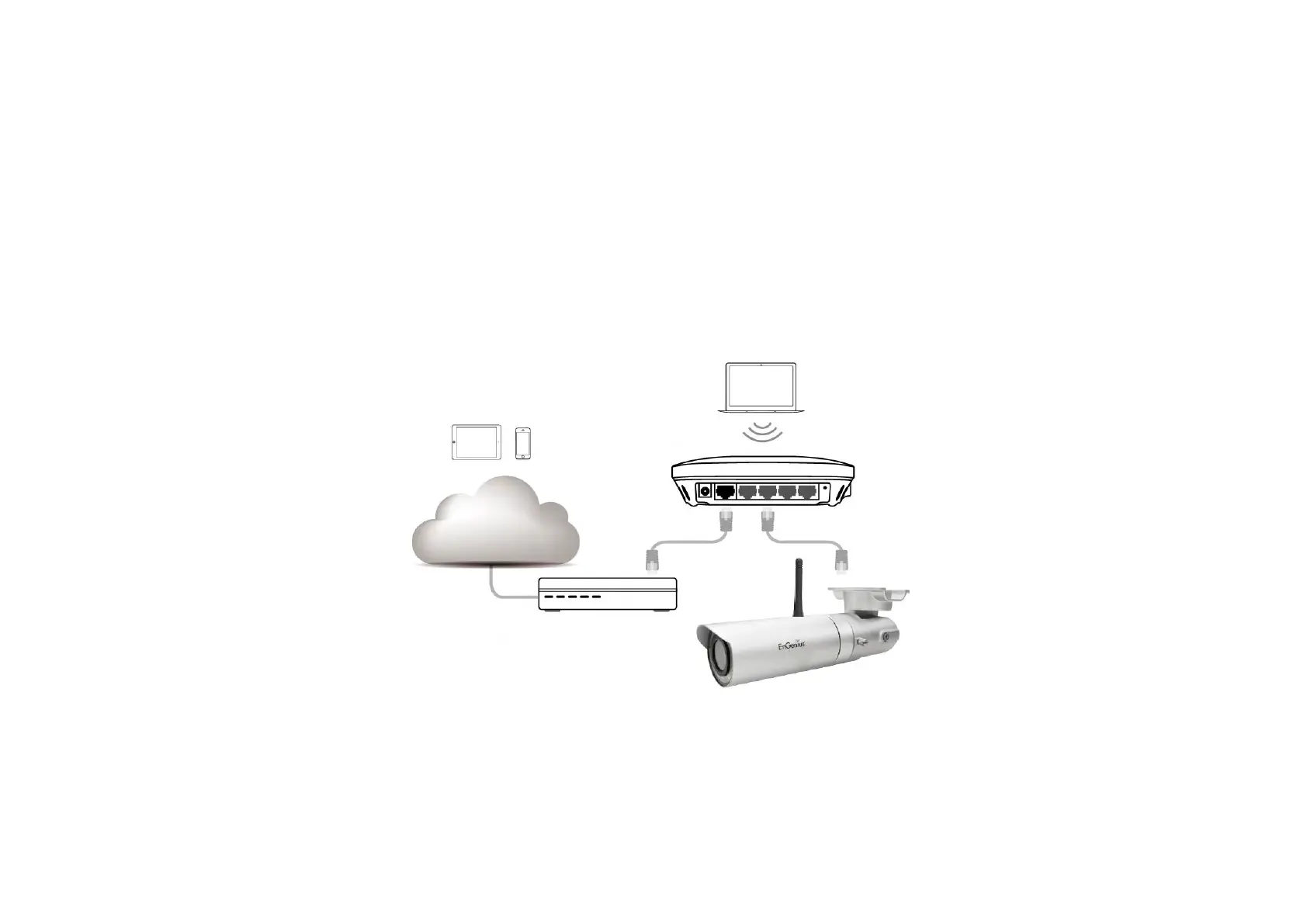
This chapter demonstrates a common application using EnGenius Camera. The examples assume that the camera is already connected to a
router that has Internet accessibility.
Note: Please ensure that your router supports UPnP Traversal and has it enabled. Most of the modern wireless router today supports this
feature. If you can’t find the related settings, they are most likely enabled by default. UPnP Traversal makes camera remote access over the
Internet possible using camera DDNS name (0e95c28.engeniusddns.com).


 To Next Page