112
5.8.1.2. Tampering Detection
Tamper detection is a setting within your IP camera that will send you an alert when the camera is tampered with. Once an action has been
detected, whether it’s someone trying to knock the camera down or blocking its view, the alert lets you know to log into the actions to see
what happened.
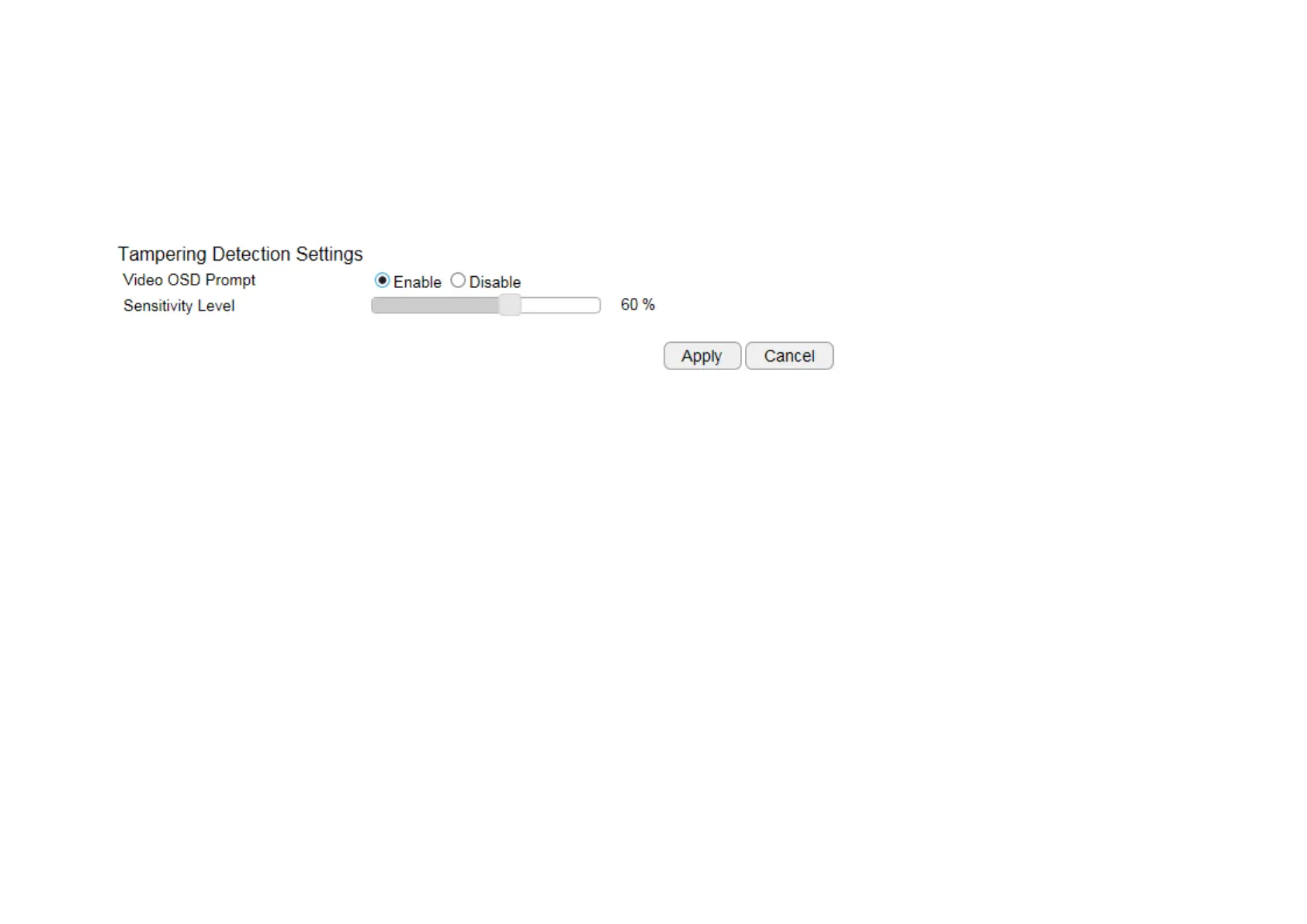
Video OSD Prompt displays the warning on the top lift of the live view page when motion triggered.
Sensitivity Level: Level 0% to Level 100% (with Level 100% being the most sensitive)
Depends on your application, high sensitivity will trigger event more often than low sensitivity and produce more snapshots or videos. However,
overly sensitive events will fill up the storage very quickly. Even if you have unlimited storage space, large amount of files can become a
problem when you need search through each of the files to find what you are really looking for. It may take some time for you to fine tune the
optimal sensitivity for your application.


 To Next Page