75
5.5.1. IP Configuration
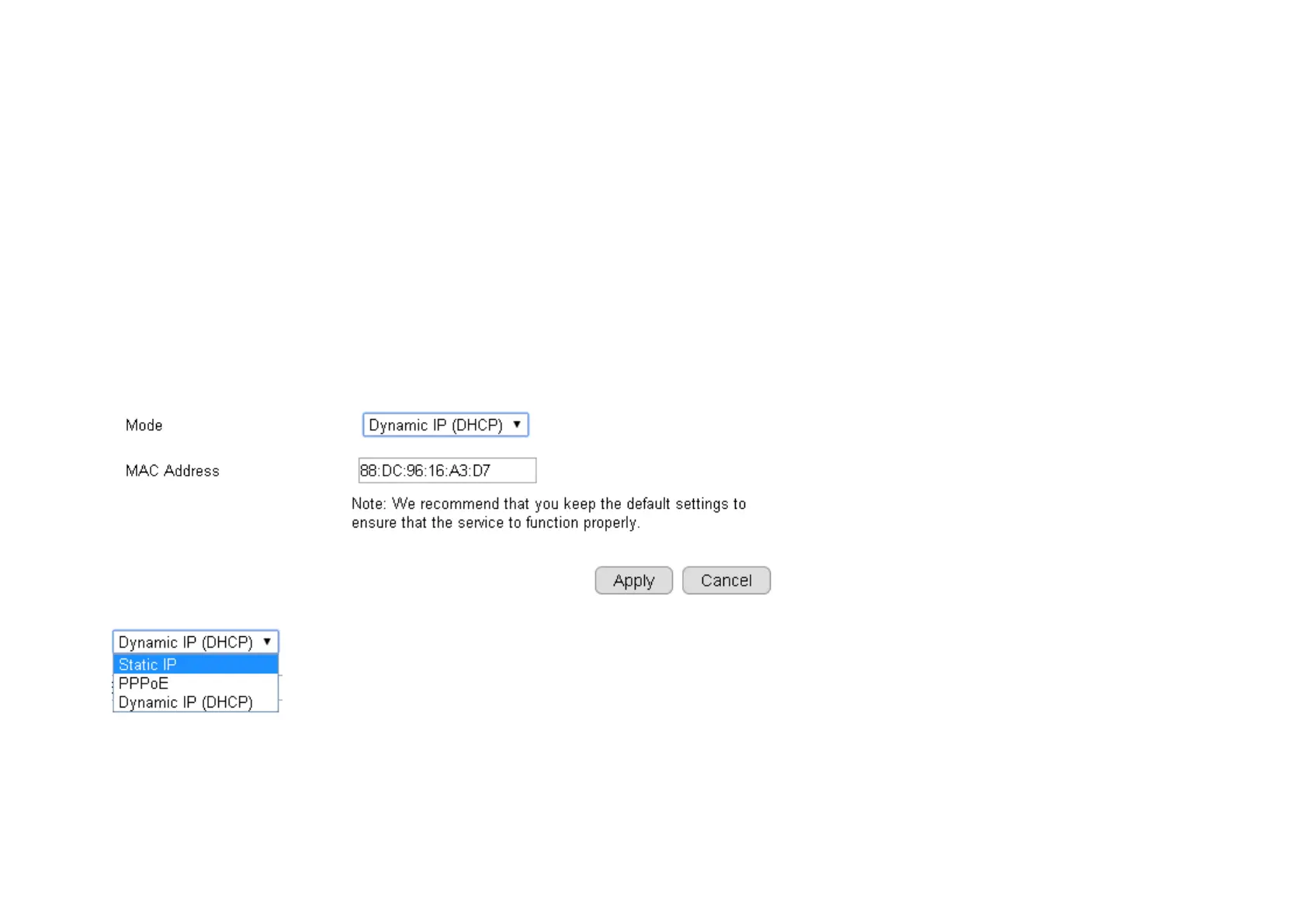
Each camera should be assigned with an IP address in the network for identification. IP Configuration setting allows you to change the
method with which the camera obtains its IP address. The default setting Dynamic IP (DHCP) is applicable to most of the application scenario.
However, advanced users can also change to Static IP or PPPoE whichever suit the purpose.
Mode: Static IP, PPPoE and Dynamic IP (DHCP)


 To Next Page