136
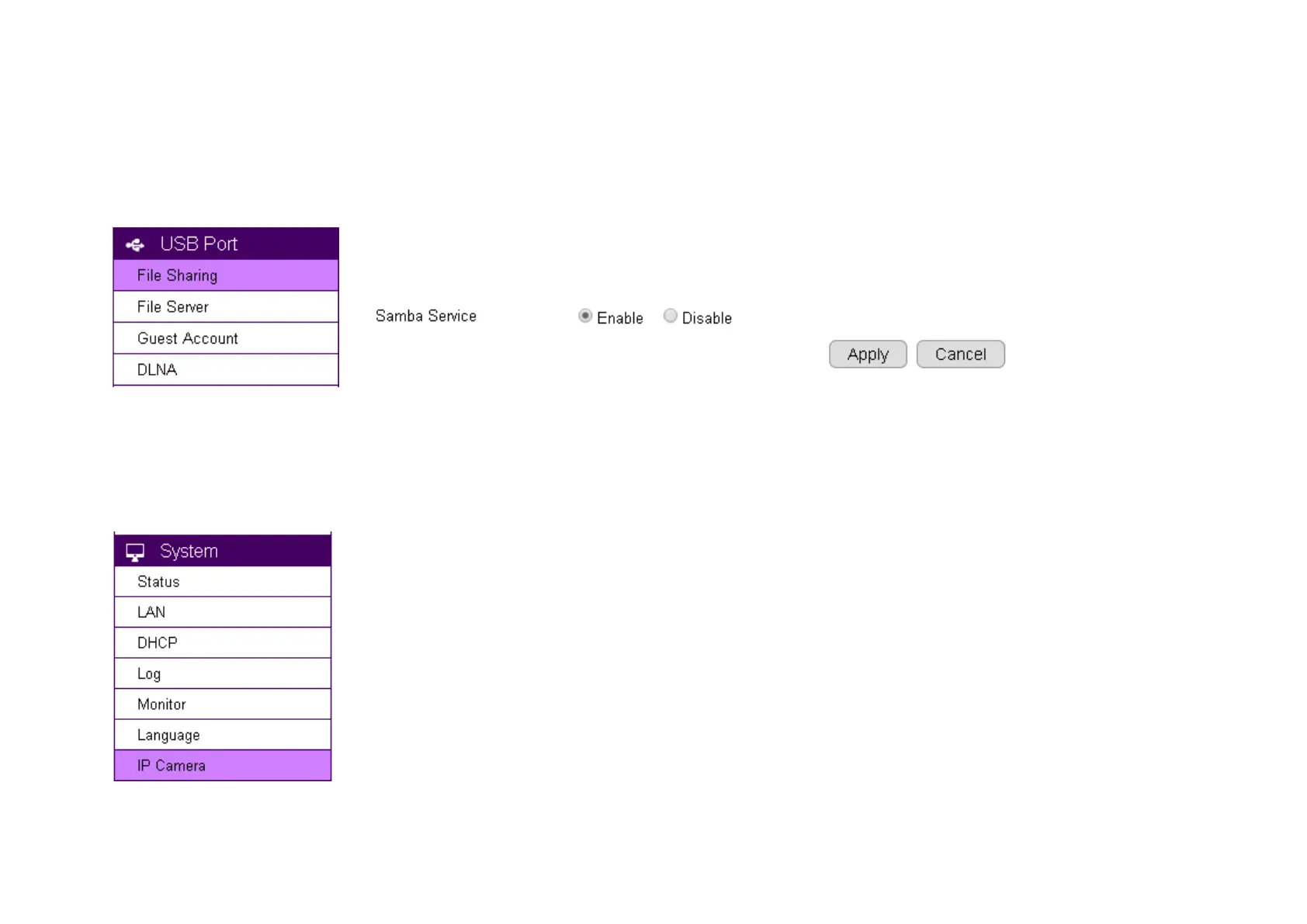
If you have not yet enable Samba Server on your router, choose USB Port File Sharing. Skip this step if samba is already enabled. Then,
Enable Samba Service and click on Apply to activate the function.
On your router’s Main Menu, Click System IP Camera to access the connected cameras.
Note: that only EnGenius Cameras can be managed collectively by EnGenius Router. For other vendor’s cameras, you still have to configure
them one by one manually.


 To Next Page