25
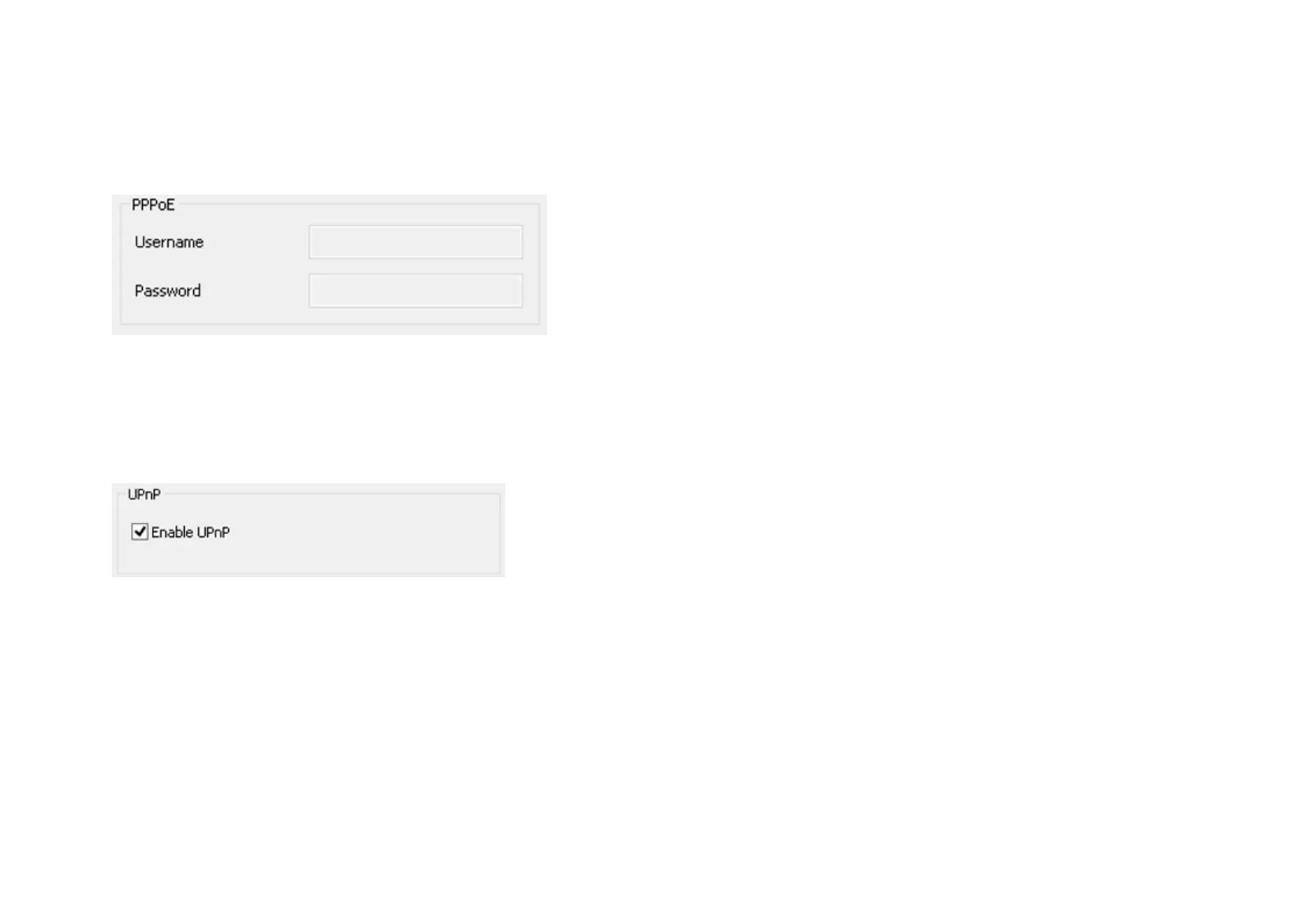
PPPoE:
If you are connecting to the Internet without going through your router, you can connect the camera directly to your modem (given that
your Internet service is using PPPoE protocol). Please consult your local ISP provider for more detail. Basically, the PPPoE setting is exactly the
same as your router. You need to provide at least the Username and Password to get access.
UPnP: this feature must be enabled so that the camera can be discovered by UPnP services. Leave it enabled if you unsure what UPnP is.


 To Next Page