52
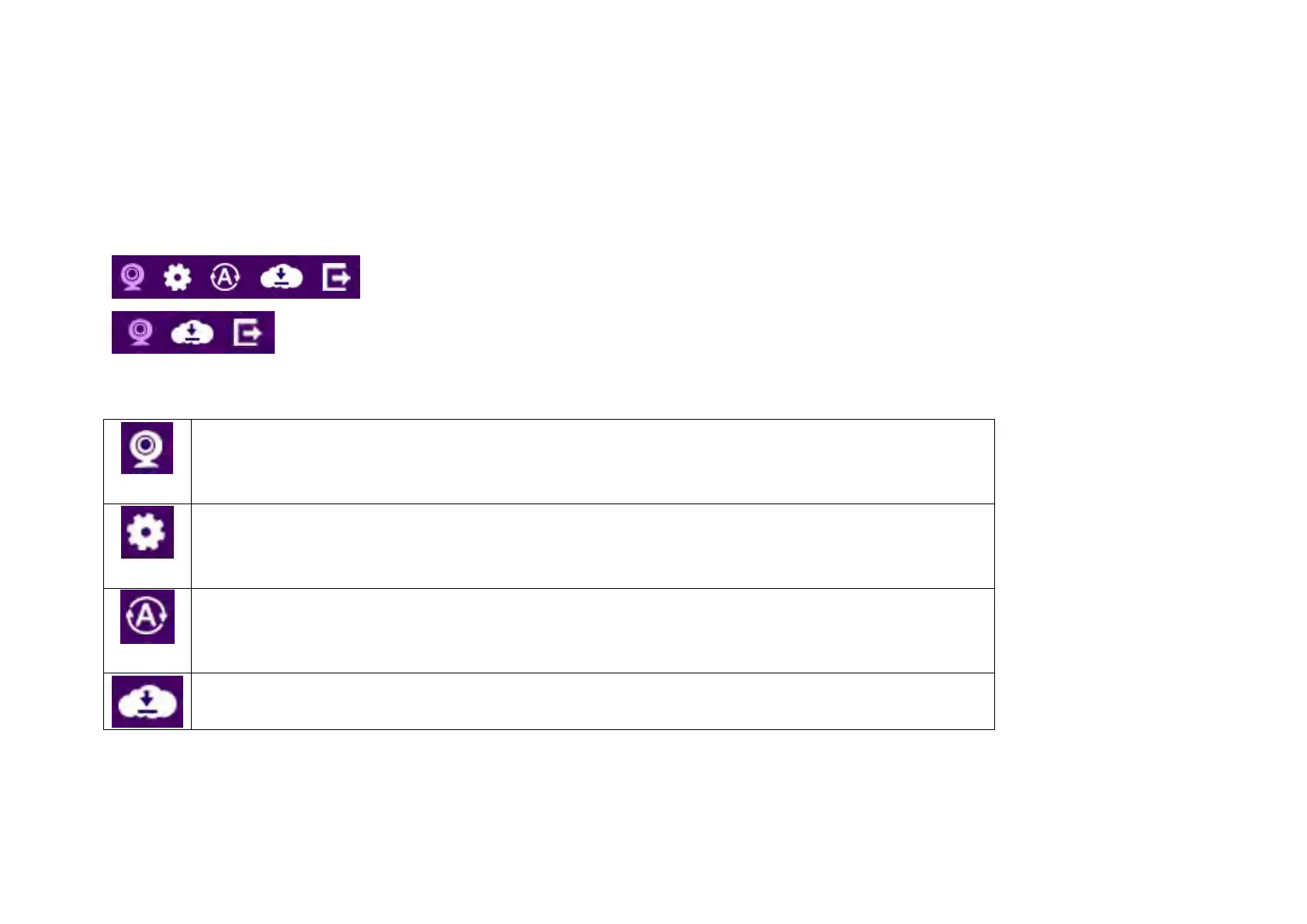
The Navigation Panel is located at the top-right corner of the page. Since there are two different user levels (Administrator and Viewer),
the functions shown on the Navigation Panel also vary accordingly. For more information about user account, please refer to User
Management section.
Administrator has full control of all the camera settings.
The viewer only has camera view features.
The descriptions are as follows
Switch the management page to camera viewer within which snapshots or video clips can be taken at
real time.
Switch the management page to camera setting. Please refer to Main Menu section for detail camera
setting.
Allows user to change management page language setting.


 To Next Page