50
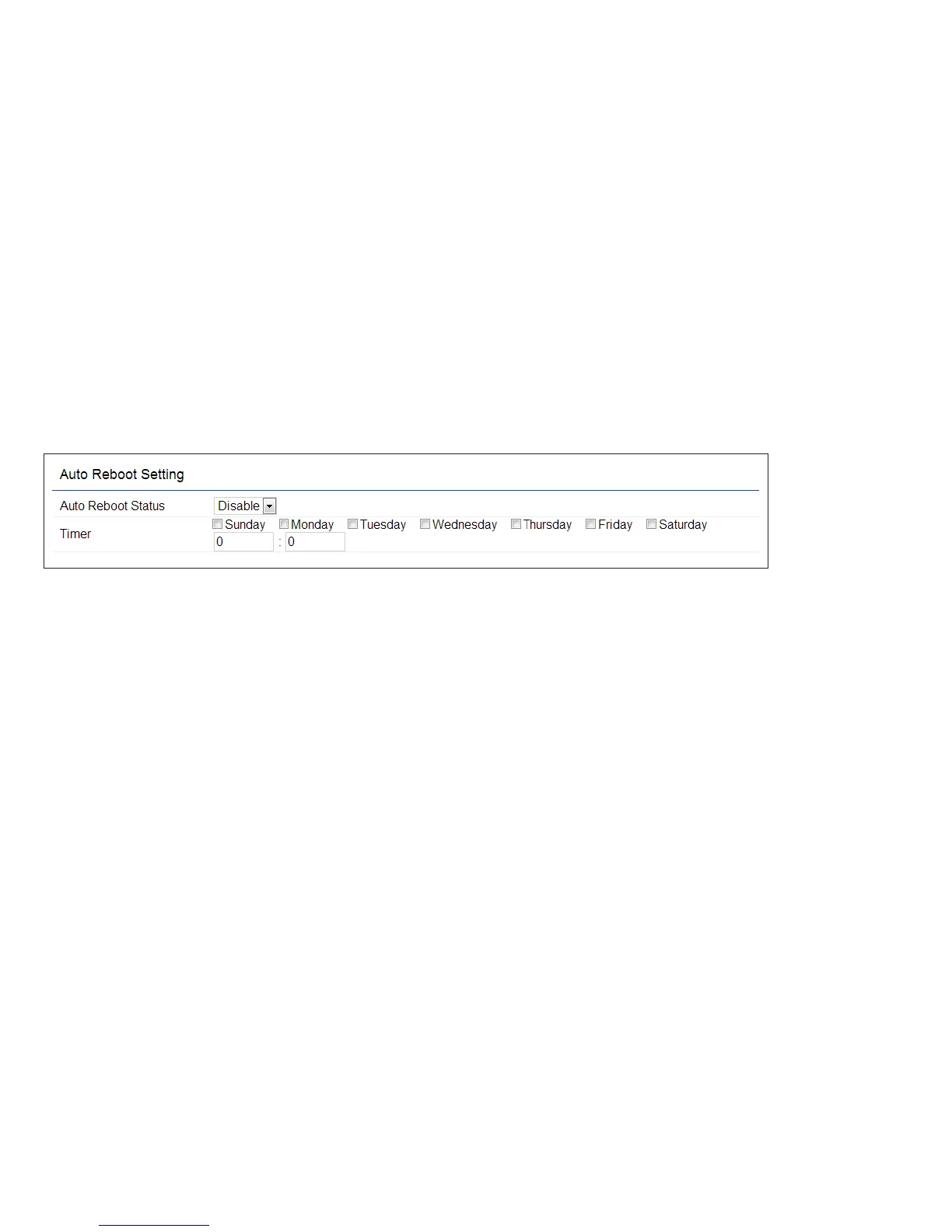
Auto Reboot Settings
You can specify how often you wish to reboot the ENS
Dual Band series.
Auto Reboot Setting: Enables or disables the Auto
Reboot function.
Frequency of Auto Reboot: Specifies how often you
wish to reboot the ENS Dual Band series by Min, Hour,
Day or Week.
Timer: Select the day and enter the time you would like
to reboot automatically.
Save: Click Save to apply the changes.













 To Next Page