English
1
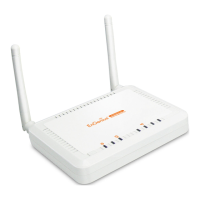
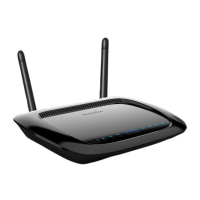
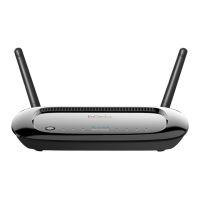
The EnGenius ERB300H/ERB150H is both a Range Extender and a Media Entertainment
Bridge. As a Range Extender, the ERB300H/ERB150H extends the reach of a wireless
network to areas with poor signal reception. As a Media Entertainment Bridge, the
ERB300H/ERB150H wirelessly connects home entertainment devices so they may share
content.
Using ERB300H/ERB150H as a Range Extender
Note: Place the device in an area that is free of obstructions and other electronic equipment
that may interfere with the Wi-Fi connection. Use the ERB300H/ERB150H Signal Indicator to
find an optimal location.
x Green- Signal is good.
x Orange- Signal is normal.
x Red- Signal is weak.
Connect the ERB300H/ERB150H to an existing wireless network either by WPS
configuration or by Smart Wizard configuration.
Note: It is recommended to use WPS configuration if the router supports it.
Â
WPS Configuration
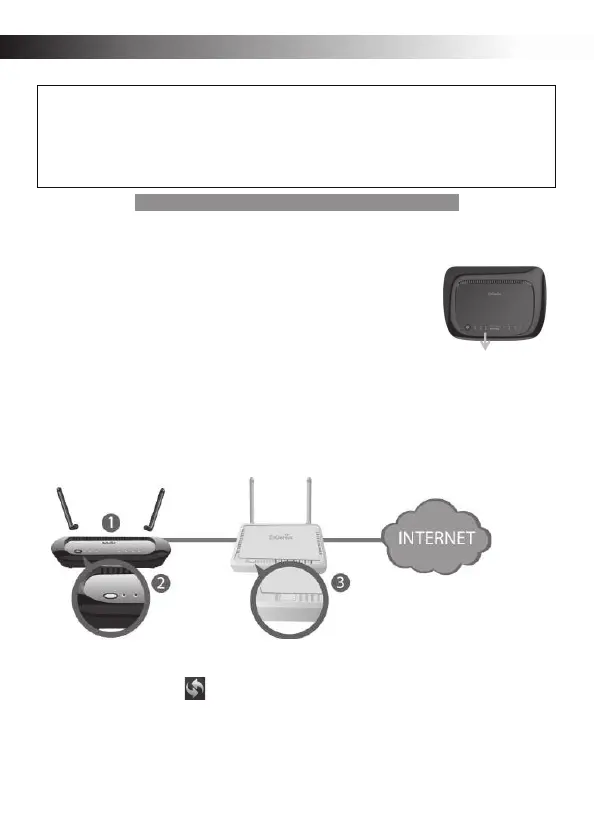
n Attach the ERB300H/ERB150H‘s Wi-Fi antenna and power on the device.
o Press the WPS button on the ERB300H/ERB150H and hold it down for 2 seconds. The
WPS signal will start fast blinking.
p Within two minutes of activating the WPS button on the ERB300H/ERB150H, press the
WPS button on your router or access point.
Signal Indicator


 To Next Page