English
5
r
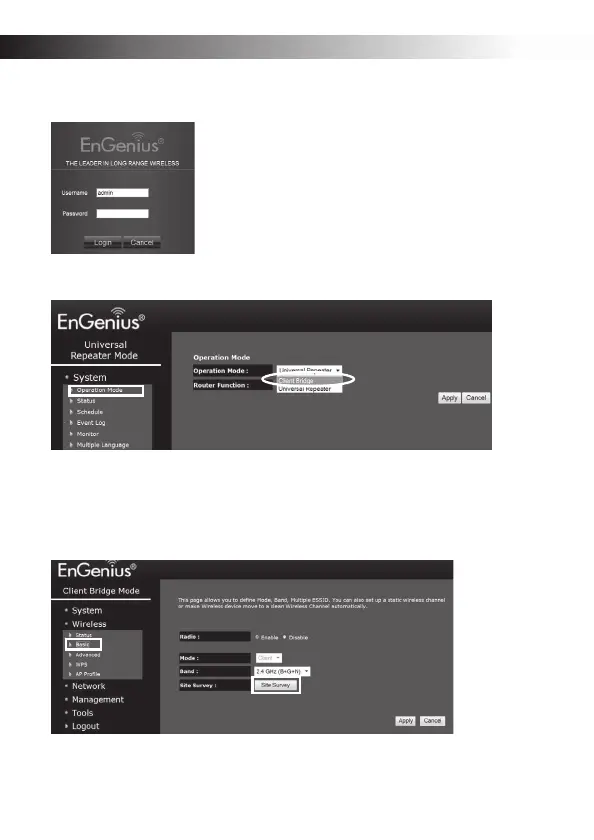
Enter the default Password: admin and click Login.
s
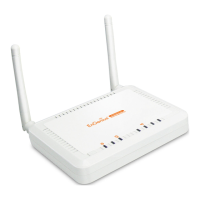
Click System>>Operation Mode to display the Operation Mode screen.
t Click Client Bridge in the drop-down menu and click Apply to save the settings.
Note: The first time the device is changed to client bridge (CB) mode, it is assigned an IP
address by its DHCP server (there is no need to set a static IP address).
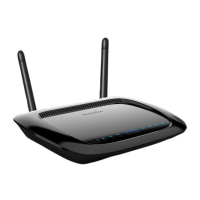
u Click Wireless>>Basic>>Site Survey button to view a list of wireless signals.
vSelect your target router and click Add to AP Profile.


 To Next Page