8.4 Client Bridge Mode
The Client Bridge mode turns the TRAVEL ROUTER into a wireless client, which then allows non-wireless devices to use its RJ45 port
to access the network wirelessly.
8.4.1 Wireless
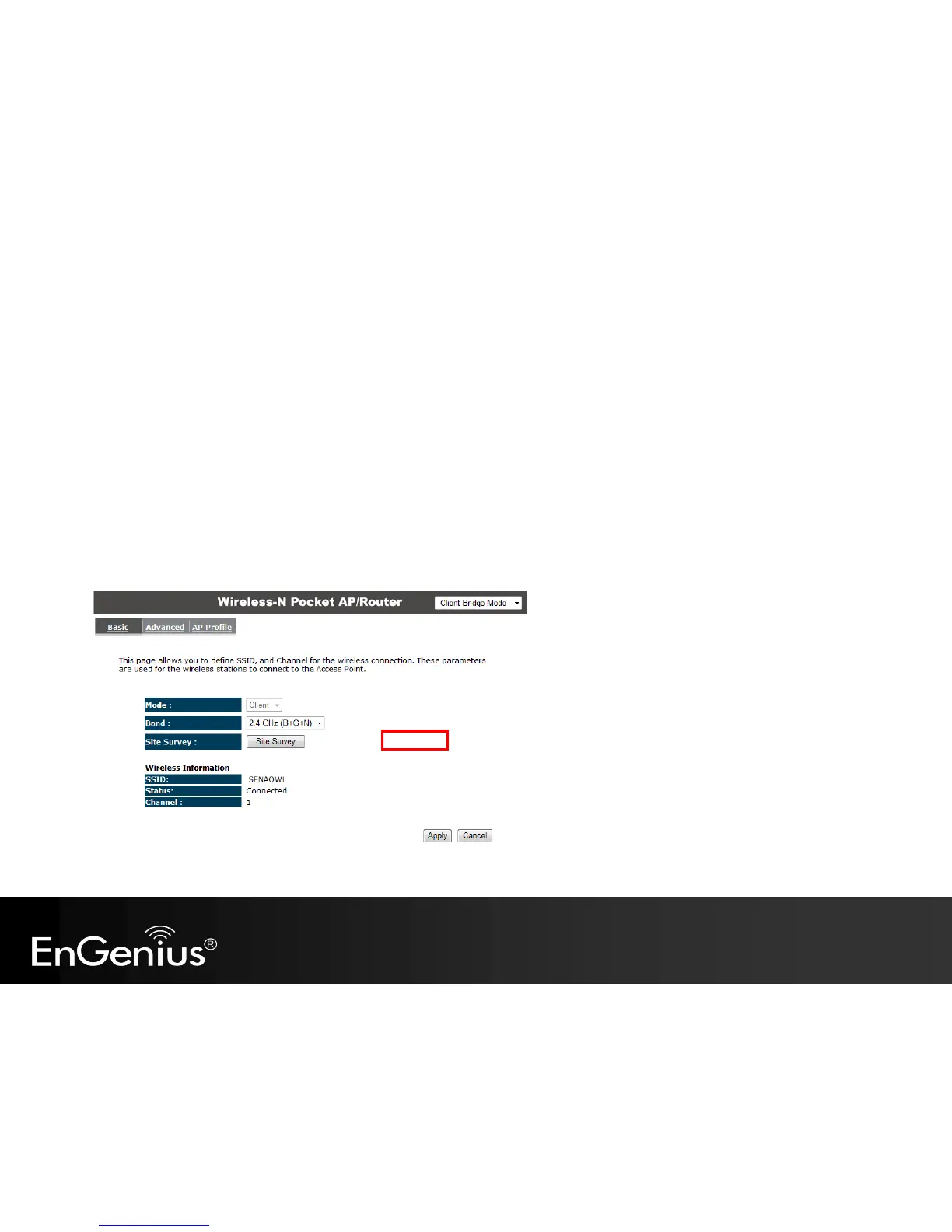
This section allows you to configure which wireless network the TRAVEL ROUTER will connect to.
Basic
1. Configure which wireless network the TRAVEL ROUTER will connect to in the Wireless Basic page.
2. Use the Site Survey button to scan the area for available wireless networks.



 To Next Page