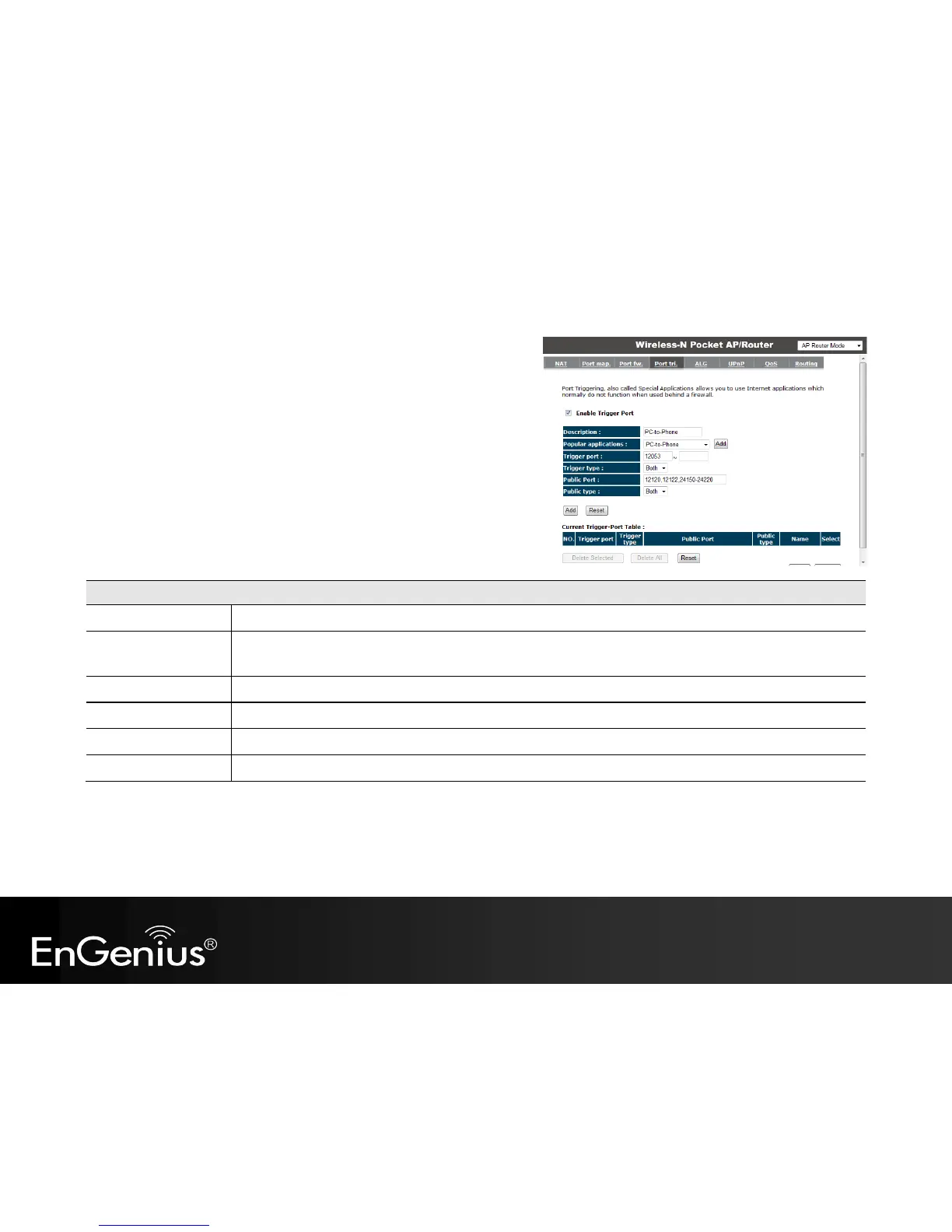
Port Trigger
If you use Internet applications which use non-standard connections or
port numbers, you may find that they do not function correctly because
they are blocked by the Wireless Router's firewall. Port Trigger will be
required for these applications to work.
Tick this box to Enable the Port Trigger feature.
This is a list of some common applications with preset settings.
Select the application and click Add to automatically enter the settings.
This is the outgoing (outbound) port numbers for this application.
Select whether the application uses TCP, UDP or Both types of protocols for outbound transmissions.
These are the inbound (incoming) ports for this application.
Select whether the application uses TCP, UDP or Both types of protocols for inbound transmissions.



 To Next Page