EasyManua.ls Logo

EnGenius ETR9350 - Tools

EnGenius ETR9350
120 pages
Print Icon
To Next Page IconTo Next Page
To Previous Page IconTo Previous Page
Loading...
101
8.2.6 Tools
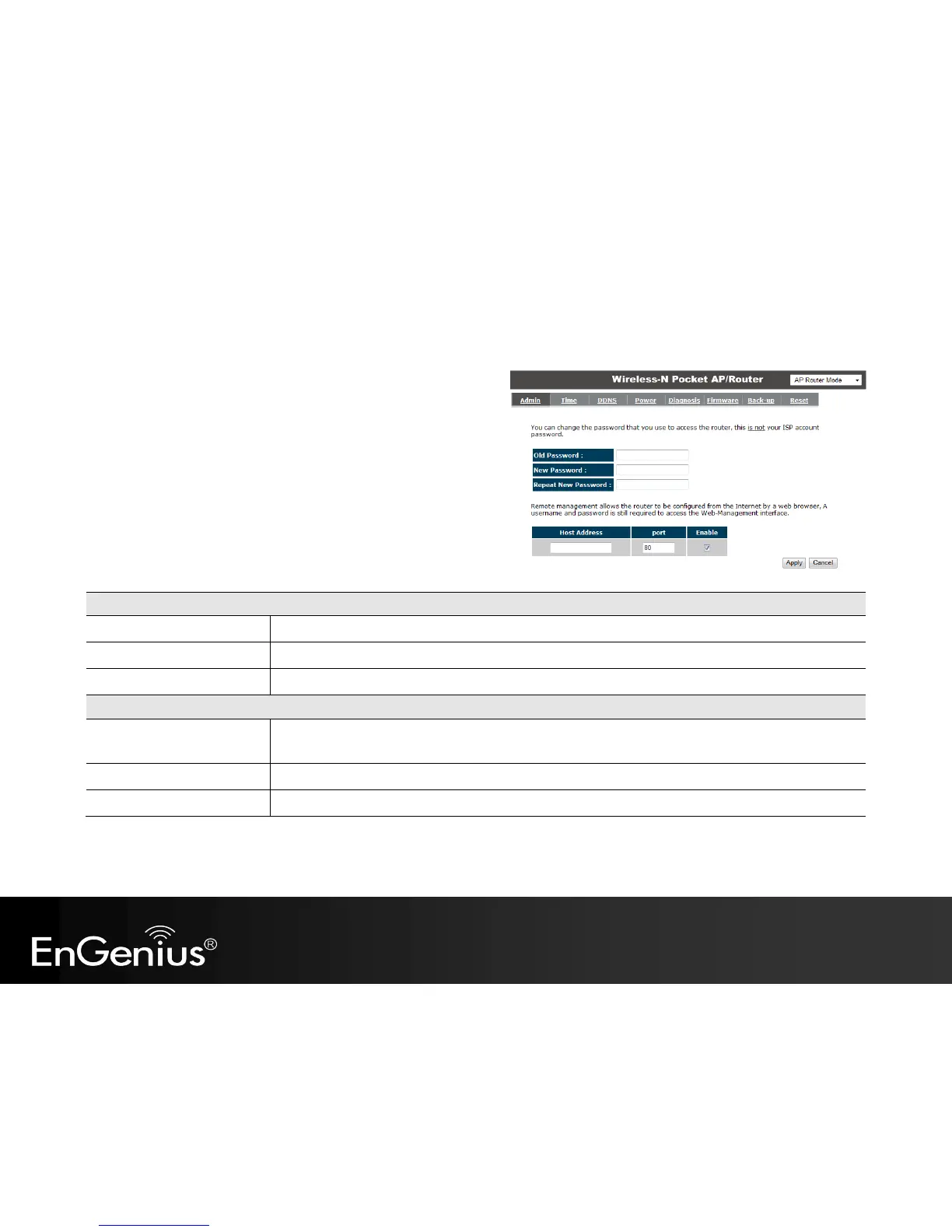
This section allows you to configure some device system settings.
Admin
This page allows you to change the system password and to configure
remote management.
Change Password
Old Password:
Enter the current password.
New Password:
Enter your new password.
Repeat New Password:
Enter your new password again for verification.
Remote Management
Host Address:
You can only perform remote management from the specified IP address. Leave blank to allow any host to
perform remote management.
Port:
Enter the port number you want to accept remote management connections.
Enable:
Tick to Enable the remote management feature.

Other manuals for EnGenius ETR9350

Related product manuals