8.1.1 AP Router Mode
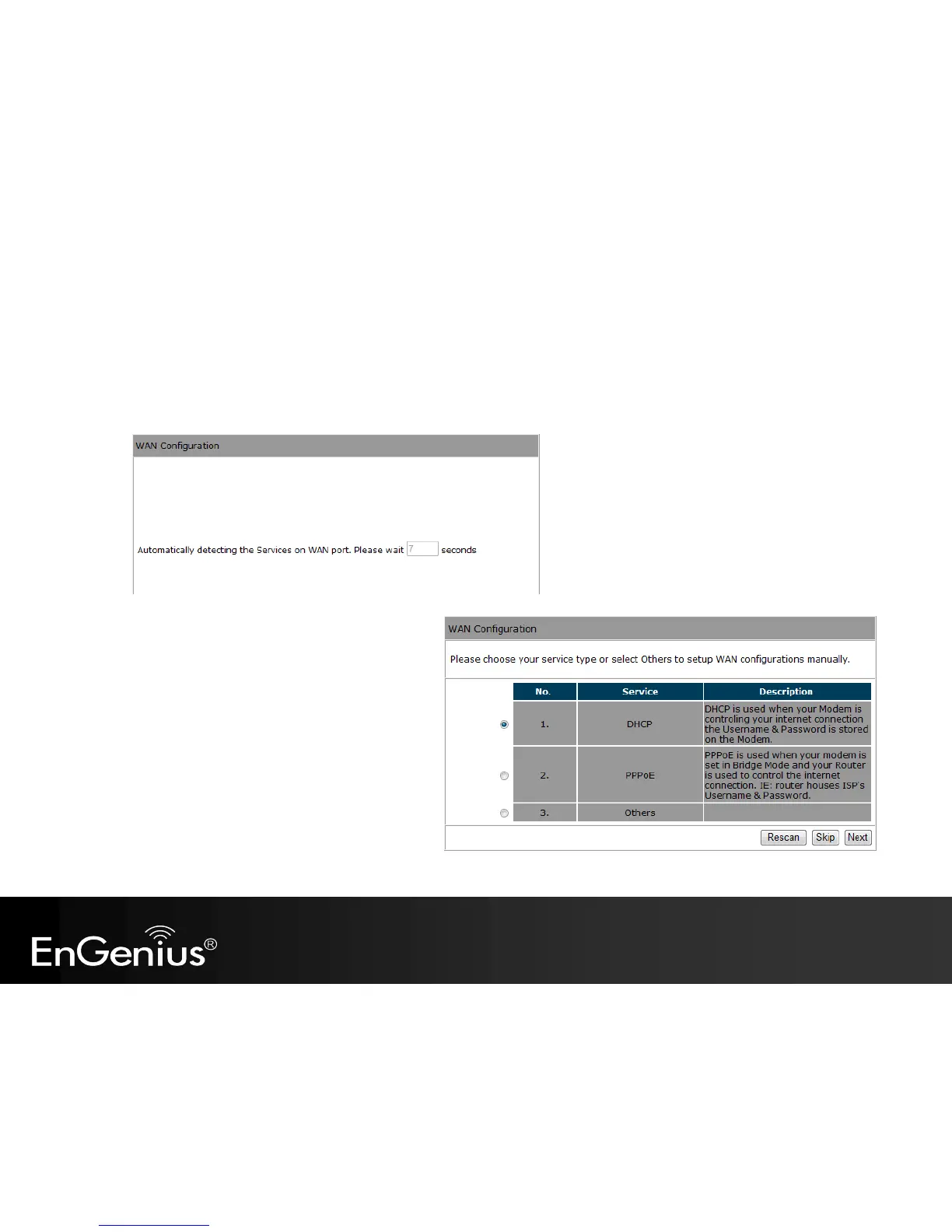
a) The device will now automatically search
for the correct Internet settings.
b) The most appropriate WAN type will be
determined and selected automatically.
If it is incorrect, please select Others
to set up the WAN settings manually.



 To Next Page